How can an enterprise add AI to a legacy CRM or ERP?
Add AI around a well-defined business workflow, not as an uncontrolled replacement for the legacy system. Keep CRM or ERP records authoritative, expose only approved data and actions, validate model outputs in application code, and require human approval where decisions carry material consequences. Begin with a read-only or draft-assistance use case and expand only after evaluation.
Legacy customer relationship management and enterprise resource planning systems often contain years of business rules, integrations and data ownership. Replacing the whole platform to add an AI capability may be unnecessary, but connecting a model directly to production records can create new risks. A bounded integration can use existing systems while preserving established controls.
Choose a workflow with a clear owner
Select a task where the current process has visible friction and an identifiable user. Examples include summarizing an account history for a service representative, drafting a response using approved product information, classifying an incoming request for review, or helping an analyst find relevant records for reconciliation.
Define the user outcome before choosing a model. “Help account teams prepare for a customer meeting” can be evaluated through relevance, source traceability and time saved. “Add AI to CRM” is too broad to assess. Identify a process owner, target users, current baseline, failure cost and what the user should do when the feature is unavailable.
Prefer assistance that prepares or explains over automatic actions at first. A generated summary can be reviewed; an autonomous change to a credit limit, financial record or customer status has a different risk profile. Identify which decisions require human judgment, approval or regulatory review.
Establish data and system boundaries
Map the data the feature needs and the system of record for each field. CRM and ERP installations can contain duplicates, stale values, local extensions and conflicting identifiers. Decide how records are matched, which data is current and how uncertainty is displayed. An AI response should not present a guessed value as authoritative.
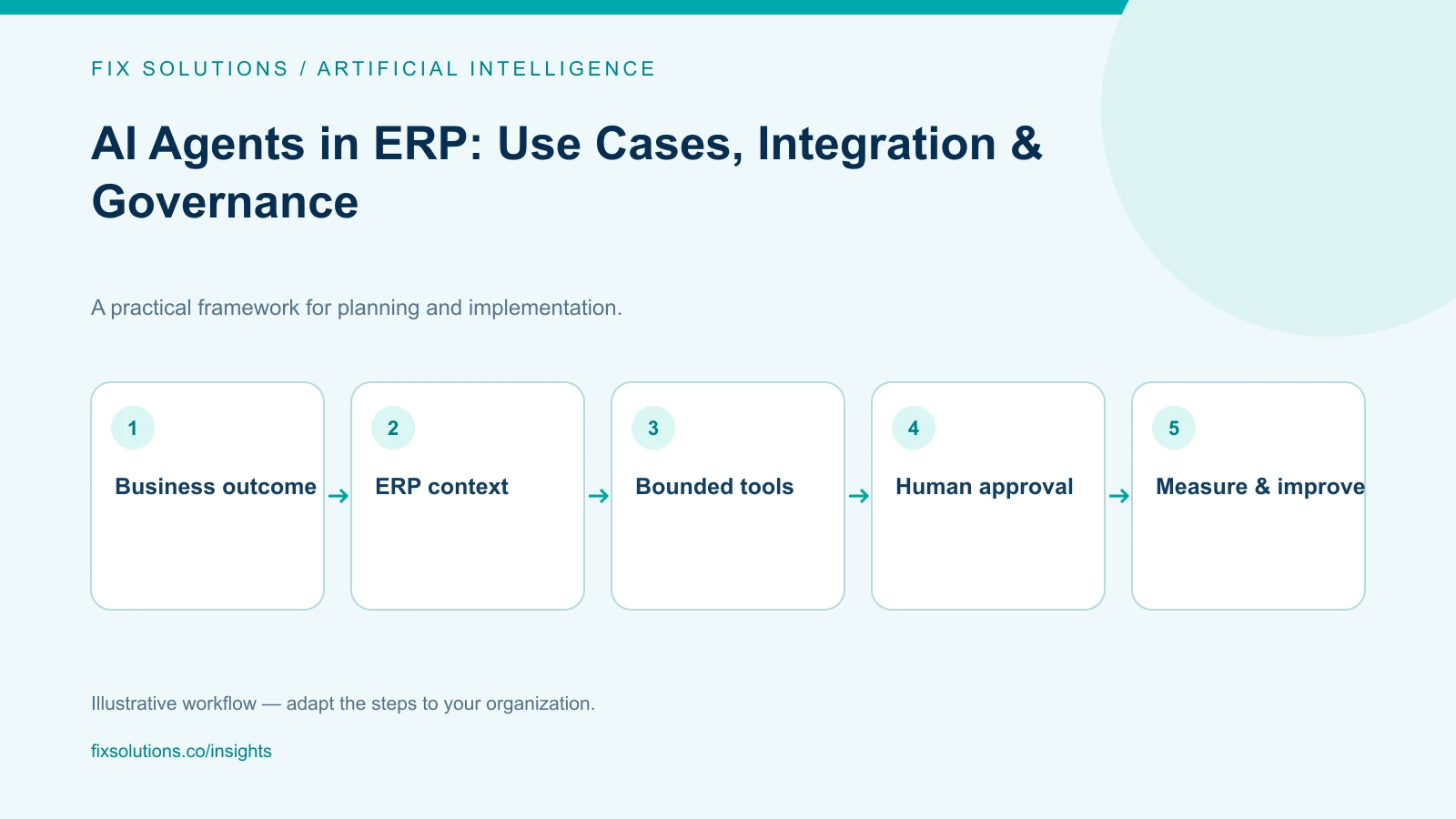
Use approved APIs, integration layers or read-only views when possible rather than giving the model broad database access. Enforce authorization in the application and connected systems; do not rely on instructions in a prompt to prevent unauthorized access. Apply least privilege and preserve existing tenant, role and record-level permissions.
Classify information before sending it to a model service. Customer data, employee information, financial records and trade secrets may have contractual, privacy or residency requirements. Review the specific model provider, retention settings, logging behavior and deployment arrangement with security, legal and data-governance teams.
Keep business rules outside the model
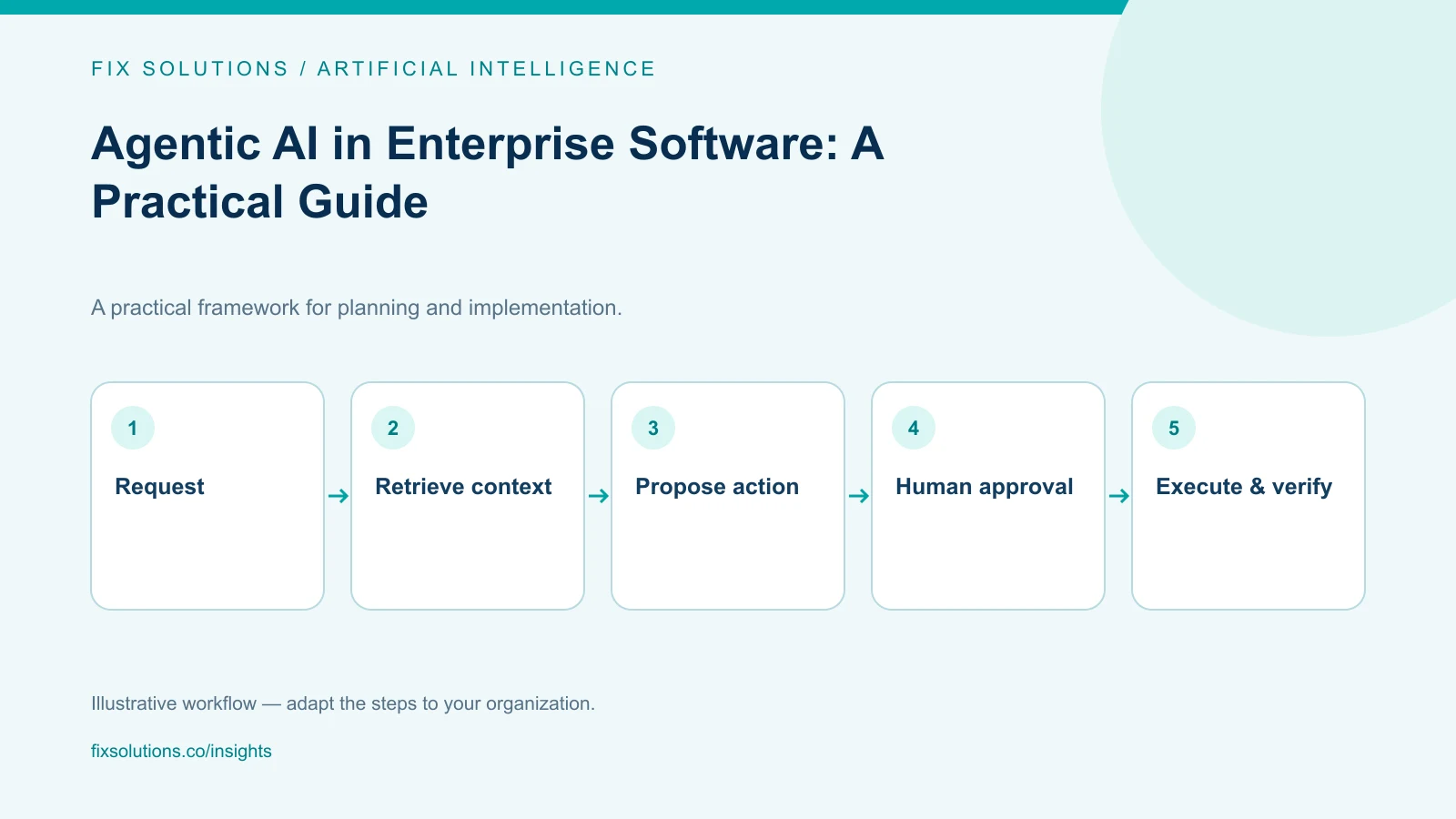
Models can interpret language and produce drafts, but important rules should remain in deterministic application logic or an authoritative system. Validate identifiers, permitted transitions, required fields and user permissions before an action is accepted. For updates, show the proposed change, its source and a confirmation step where appropriate.
Use an integration layer to mediate between the AI feature and the older application. The layer can handle authentication, schema translation, rate limits, retries, audit events and version differences. Avoid embedding vendor-specific assumptions throughout the CRM or ERP codebase; isolate the model connection so the organization can update or disable it.
Design for failure. If the model or integration is unavailable, users should still have an approved manual workflow. Handle timeouts, malformed responses, duplicate requests and stale data explicitly. Do not allow a retry to create duplicate orders, notes or customer communications.
Evaluate before and after release
Build a representative evaluation set from approved, sanitized examples. Include incomplete records, conflicting data, unusual terminology, permissions boundaries and questions the system should decline. Have domain experts score correctness, relevance, source support, harmful omissions and confidence calibration.
Test the full workflow, not only the model prompt. Verify authentication, access control, data retrieval, logging, approval, record updates and rollback. Test how the feature responds when a user lacks access or the source system returns stale or incomplete information.
Roll out to a limited group, capture user feedback and monitor a small number of meaningful indicators. Depending on the use case, these may include accepted draft rate, correction effort, unsupported claims, task completion, latency and incident reports. Monitor for changes in source data, model behavior and user practices.
Keep a clear route to disable the feature. Version prompts and configuration, record the sources used for consequential output, and review failures with the product and system owners. A model upgrade or CRM customization can change behavior and should trigger appropriate regression evaluation.
Plan an incremental modernization path
Record which existing components the feature depends on: CRM or ERP APIs, identity providers, middleware, search indexes, model services and monitoring. Agree on compatibility and support expectations with platform owners before production use. A small integration may expose hidden constraints, such as a missing API, inconsistent identifiers or an undocumented customization. Treat those discoveries as architecture evidence, not reasons to grant broader permissions.
Keep the integration modular enough to replace or disable a model service without rewriting business workflows. Store prompts and configuration under change control, document data flows and test them during system upgrades. For older platforms, verify that vendor support terms permit the integration approach and that upgrades will not silently break the connector.
For governance references, consult the NIST AI Risk Management Framework and the OWASP Top 10 for Large Language Model Applications. Use them to inform a review with your security and system owners, not as substitutes for internal policy.
Frequently asked questions
Should AI write directly to ERP records?
Only when the action is specifically authorized, validated and auditable. Begin with draft or recommendation workflows; use application-enforced rules, approval gates and recovery procedures for writes.
Do we need to replace a legacy CRM or ERP first?
Not necessarily. A bounded integration may be possible through supported APIs or middleware. First assess system constraints, data quality, supportability and security; modernization may still be needed if the platform cannot safely expose the required capability.
How should we choose a model?
Evaluate models against representative tasks, data-handling requirements, integration constraints, latency, operating cost and maintenance. Model choice should follow the workflow and controls, not lead them.
Extend legacy platforms without weakening control
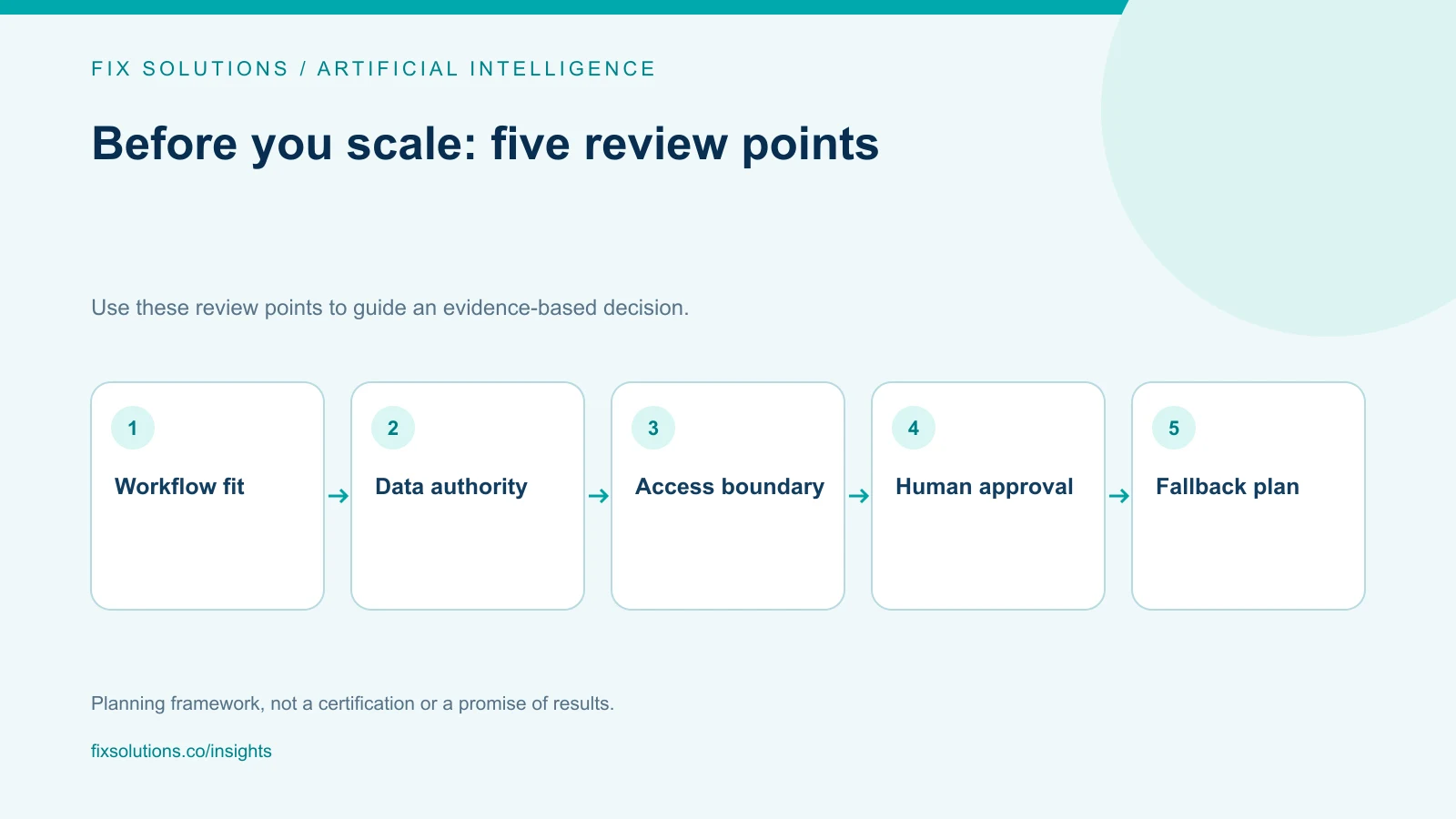
AI can improve a focused workflow while established CRM and ERP systems remain the source of truth. Start with a clear owner, narrow permissions, measurable evaluation and a reliable fallback. FIX Solutions can help scope governed AI integration through AI development services.