Where can AI help test a legacy enterprise system?
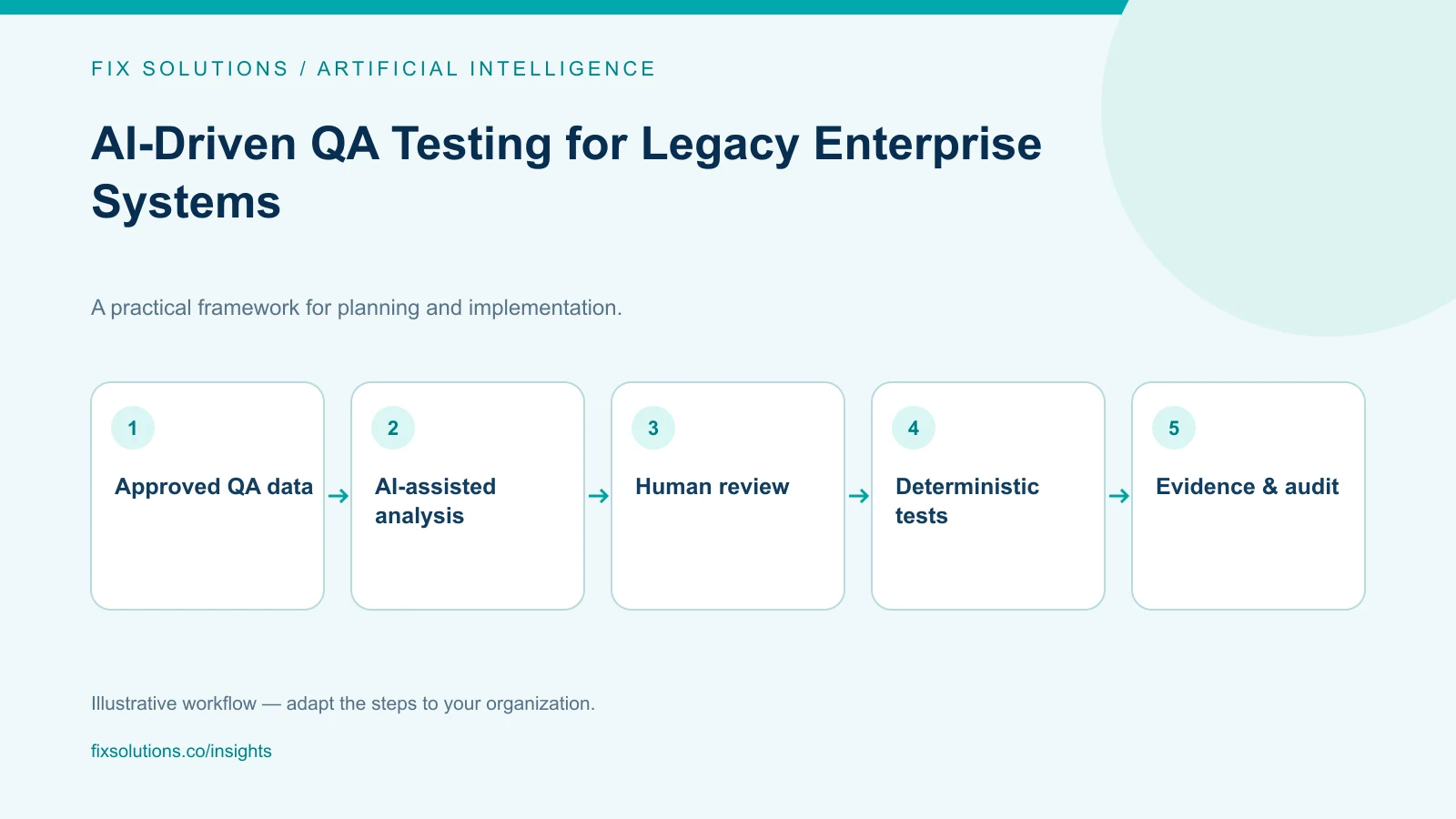
AI can assist QA teams with test discovery, requirement analysis, failure triage and maintenance of automation around legacy systems. Treat its output as a hypothesis, not proof that software is correct. Keep sensitive data protected, preserve traceability to requirements and defects, and use deterministic checks plus accountable human review for release decisions.
Legacy applications often have incomplete documentation, specialist knowledge concentrated in a few people, complex interfaces and limited test environments. AI tools may help teams search existing artifacts or draft test ideas, but they cannot infer undocumented business rules reliably or replace the system owner’s judgment.
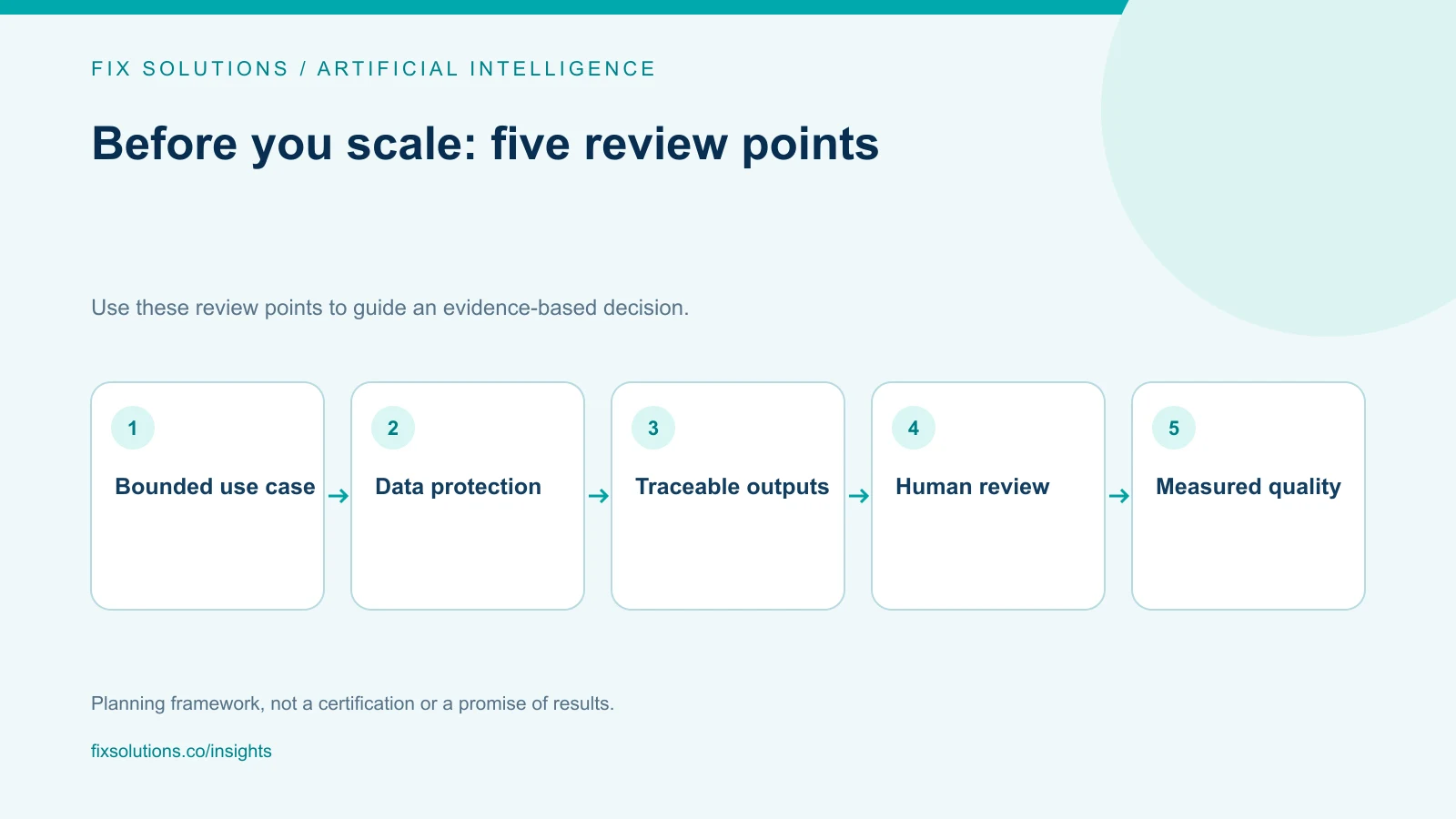
Choose a bounded problem first
Start with a task that is frequent, reviewable and low consequence when a suggestion is wrong. Examples include clustering similar test failures, summarizing logs, mapping requirements to existing test cases, identifying likely impact areas from a change description, or drafting a test scenario for an engineer to verify.
Avoid beginning with “let AI test the whole application.” Define the input, expected output, human reviewer, data classification and measurable success condition. For example, a QA lead might check whether a proposed set of regression cases contains the known critical workflows and whether each suggestion links to an approved requirement.
Record a baseline before introducing the tool: time spent on triage, proportion of useful suggestions, false leads, escaped defects and review effort. The goal is to improve a real workflow, not merely generate more test cases.
Use AI where it complements existing evidence
Analyze requirements and change impact
Language models can help compare a change request with accessible documentation, test cases and code references. Ask the system to cite the source artifacts it used and identify gaps or uncertainty. Reviewers should verify that cited material is current and authoritative.
AI can propose edge cases from a requirement, such as missing fields, invalid transitions or boundary conditions. A domain expert must decide whether those cases represent valid business behavior. Convert accepted cases into maintainable tests with explicit setup, expected results and traceability.
Assist with legacy test automation
AI coding assistants may help explain unfamiliar test code, draft selectors or suggest refactoring. Generated scripts still require review for correctness, security, accessibility and maintainability. Validate against the supported application behavior, not a model’s interpretation of a screenshot or old source comment.
Where a legacy system exposes stable APIs, database views or message interfaces, use those boundaries when appropriate. If UI automation is necessary, keep the target actions visible and robust, and verify final state rather than relying only on a successful click.
Triage failures without hiding them
An AI assistant can summarize relevant logs, group similar failures or propose diagnostic steps. It should preserve links to raw evidence and identify what it cannot determine. Do not let a generated summary classify a test as “environment noise” and silently remove it from release gates.
Protect data and control tool access
Before using any model or hosted tool, classify the data it will receive. Test logs may include personal information, tokens, customer identifiers, financial details or proprietary business rules. Apply the organization’s approved data-handling requirements, retention terms and vendor review process. Use synthetic or masked data where feasible.
Limit model and agent permissions to the task. An assistant that reads test artifacts does not need production write access. Keep secrets out of prompts and logs. If a tool can change test data or trigger a deployment, place those actions behind explicit authorization and auditable controls.
Treat retrieved documentation and test artifacts as input, not trusted instructions. Separate content being analyzed from operational directions. Maintain an audit trail that identifies the model or tool version where relevant, the input sources, human review and final accepted action.
Evaluate quality rather than output volume
Use a representative evaluation set of legacy scenarios, known defects and difficult edge cases. Score whether suggestions are correct, relevant, traceable and safe to act on. Include cases where the right answer is “not enough information.” Review failures across user groups and types of workflows rather than relying on a few impressive examples.
Compare the AI-assisted process with the current workflow. Include reviewer time, rework and investigation effort. More generated cases are not better if they duplicate coverage, assert the wrong business rule or increase maintenance without improving defect detection.
Keep conventional checks as the authority for repeatable outcomes. A test that verifies a balance, access decision or transaction should use deterministic assertions and an approved source of truth. AI may help someone discover or explain the check; it should not decide correctness without an accountable verification mechanism.
Plan for changing systems and changing models
Legacy systems evolve through patches, vendor upgrades, data migrations and interface changes. Revalidate prompts, retrieval indexes and automated suggestions when source documents change. Track changes to model versions and tool settings when they can affect results. Provide a way to disable the AI feature and return to a known process.
Maintain ownership. Name who approves prompts and data access, who evaluates output, who monitors incidents and who can suspend use. Train QA staff to recognize plausible but unsupported answers and to report recurring failure modes. Keep the system’s limitations visible.
For risk-management context, review the NIST AI Risk Management Framework and the OWASP Top 10 for Large Language Model Applications. Adapt their guidance to the organization’s approved policies and the specific QA use case.
Frequently asked questions
Can AI generate a complete regression suite from requirements?
It can draft candidate scenarios, but requirements may be incomplete and legacy behavior may differ from documentation. Domain review, prioritization and executable validation are still required.
Can AI replace manual testing?
AI can assist with repetitive analysis and test authoring, but it does not replace exploratory testing, product judgment or accountable release decisions. Keep humans involved where behavior is ambiguous or consequences are significant.
Is it safe to send test logs to a public model?
Only if the organization’s security, privacy, contractual and data-handling rules permit it. Review the specific service terms and data controls; otherwise use approved environments and sanitized inputs.
Introduce AI as a controlled QA assistant
AI is most useful when it shortens investigation and helps experts focus on meaningful risks without weakening evidence. Start small, measure against a baseline and preserve human accountability. FIX Solutions can help assess a governed QA approach through quality engineering services.