What does buyer enablement mean for enterprise marketing?
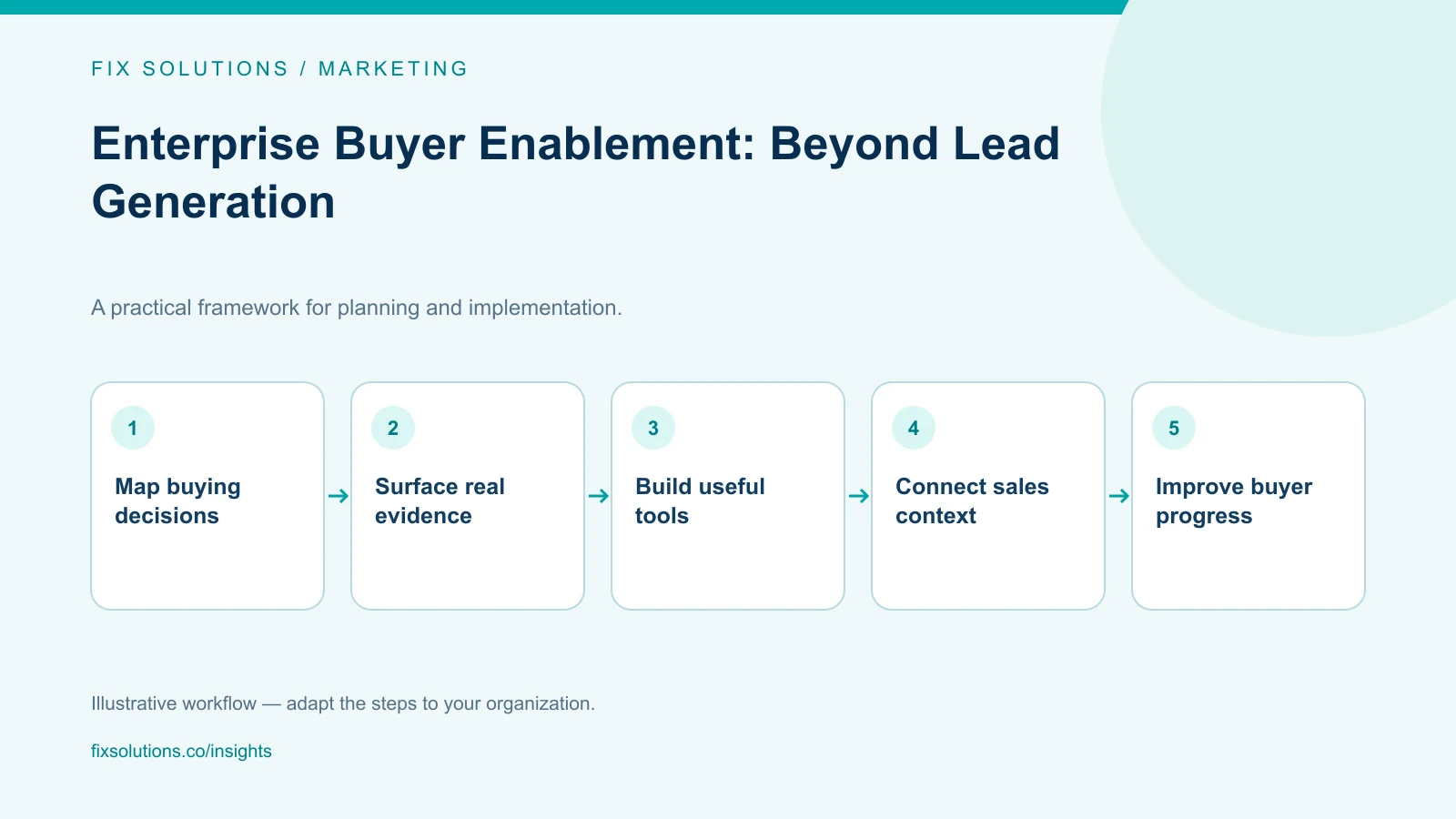
Buyer enablement equips a buying group to understand a problem, compare options and reach a defensible decision. Instead of measuring software only by captured contacts, provide credible answers, self-service tools and reusable evidence for the people who evaluate business value, operations, technology, security and procurement. Then measure whether those resources help buyers progress, not simply whether they generated a form fill.
Lead capture remains useful when a buyer wants a conversation or an organization needs an explicit follow-up request. The problem begins when every valuable resource is hidden behind a form and success is judged only by the number of records created. That approach can make the vendor’s funnel easier to report while leaving the customer’s decision harder to make.
Enterprise purchases typically involve uncertainty across several functions. A business sponsor asks whether a proposed change is worth funding. The person who will operate it asks whether it fits real work. IT asks about integration, security and support. Procurement reviews commercial and supplier requirements. Marketing software can help those people share a common picture of the decision—if the content and tools are built for their questions.
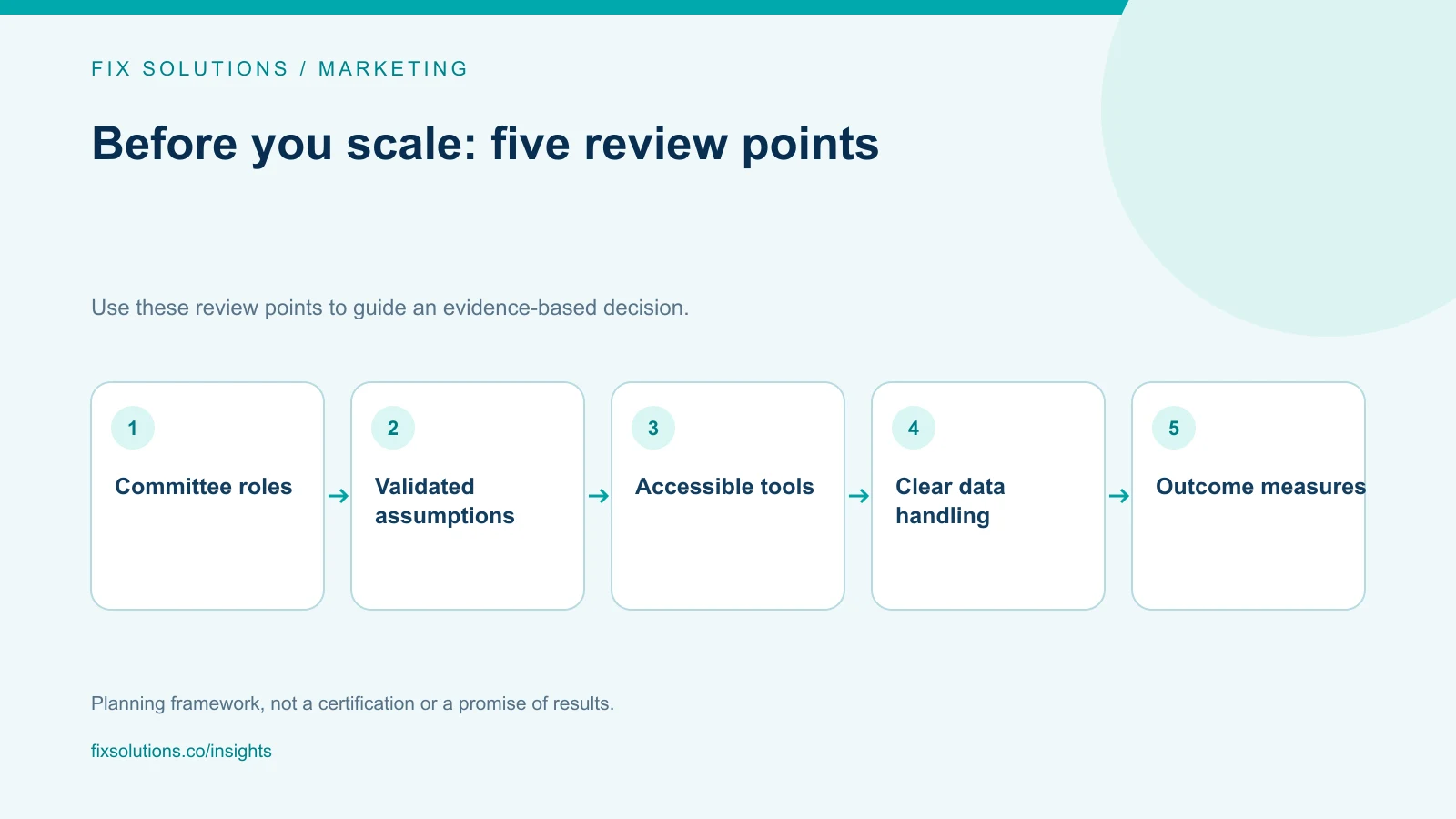
Shift from funnel stages to buyer decisions
A traditional funnel describes how an organization tracks prospects. It does not necessarily describe how a committee resolves uncertainty. One stakeholder may be researching risk while another is calculating cost; several may enter the process at different times. A useful content plan starts with the decision tasks buyers need to complete.
| Buyer task | Questions to help answer | Useful asset |
|---|---|---|
| Frame the problem | What is happening, and which workflow is affected? | Diagnostic guide or process map |
| Estimate value | What costs, benefits and assumptions matter? | Editable ROI calculator |
| Evaluate fit | What does the product do and not do? | Interactive specification or comparison |
| Assess delivery risk | What integrations, controls and dependencies exist? | Architecture and security overview |
| Build internal alignment | How can the case be explained to other approvers? | Shareable summary or business-case template |
Map roles to real decisions, not stereotypes. A finance reviewer may care about implementation uncertainty as much as price. A technical owner may be responsible for business continuity. Interviews with customers, prospects and sales teams can reveal which questions actually delay approval.
Make the next action clear
Each asset should explain who it helps, what input it needs and what the user receives. A calculator should identify assumptions and show how a buyer can adjust them. A product configurator should explain which selections are illustrative and which represent supported product capabilities. An interactive demo should provide a usable path without implying that every integration is already configured.
If a resource requires expert help to interpret, offer that support as an option rather than disguising it as a self-service result. Buyers should not be forced to submit personal information just to understand whether an example applies to them.
Build an ROI calculator buyers can trust
An ROI calculator is not credible because it produces a precise percentage. It is credible when users can inspect assumptions, change inputs, understand the method and export the result with enough context to explain it to colleagues.
Start with a narrow use case. For a workflow automation estimate, possible inputs might include monthly case volume, average handling time, loaded labor cost, expected exception rate and implementation effort. Distinguish user-entered values from vendor assumptions. Avoid assuming that all released time becomes cash savings; capacity may be redeployed, absorbed by growth or not used at all.
Show ranges and scenarios
Provide conservative, expected and optimistic cases when the uncertainty is material. Explain which inputs drive the range. If a buyer supplies a baseline, show the calculation so they can challenge it. Allow an option to exclude soft benefits rather than adding them invisibly to a headline number.
Display implementation and ongoing costs, not only projected benefit. Include integration, migration, training, maintenance, usage charges and internal time where appropriate. A first-year view can differ substantially from a steady-state view, so show the time period and cash-flow assumptions.
Use a transparent formula. For example:
Estimated annual gross capacity value = annual eligible volume × time saved per item × loaded hourly cost
The estimate should then be adjusted for adoption, exception handling and the share of capacity the organization expects to redeploy. Name those factors and let the user change them. Label the result as an estimate rather than a promise or customer result.
Test calculations independently and review edge cases such as zero volume, negative values, missing assumptions and very large inputs. Show units consistently. Make the tool usable with a keyboard and screen reader, and ensure the result remains understandable on mobile. If the calculator is embedded in an analytics or marketing stack, document which inputs are stored and for how long.
Make interactive specifications helpful, not theatrical
Complex products are difficult to evaluate from feature lists. An interactive specification can let a user select a workflow, data source, user role or integration and see what is supported, configurable, dependent on discovery or not currently available. That distinction is more useful than a polished configurator that makes every combination appear effortless.
Tie each option to a maintained source of truth. Product, engineering and implementation owners should approve the statements that appear in the tool. Include version or review dates for fast-changing specifications. If an answer depends on the buyer’s environment, explain what must be confirmed instead of presenting a definitive yes.
Connect product claims to evidence
For each claim, identify proof that can be shared: a product walkthrough, a documented interface, a security artifact, a sample output or an implementation requirement. Separate general product behavior from custom work and roadmap possibilities. Buyers can then forward a precise answer internally rather than paraphrasing a salesperson’s verbal promise.
Avoid publishing sensitive implementation details merely to appear transparent. A public overview can describe controls and responsibilities; detailed architecture, penetration-test evidence or contractual materials may require a controlled review process. Keep that process predictable and avoid asking for the same information repeatedly.
Design for the whole committee
Committee members often encounter content out of order. An asset should make sense when forwarded without a presenter beside it. Add context, definitions, assumptions, source links and a clear date. Avoid relying on color alone to communicate a status or using acronyms that only one department understands.
Provide summaries at different levels of detail. A sponsor may need the decision, expected value and major risks on one page. An engineer needs interfaces, data flows and operational responsibilities. Procurement may need pricing boundaries and contract assumptions. These can be different views of the same approved product facts rather than competing versions.
Make it easy to share or export a result in a useful format. A generated business-case summary should include inputs, assumptions, calculation date and a link back to its method. Do not make a static PDF look like an individualized recommendation if it was generated from generic defaults.
Keep privacy proportionate
Collect only the information needed to deliver the asset or requested follow-up. If a calculator works entirely in the browser, consider whether sending detailed financial inputs to an analytics service is necessary. If a user chooses to save or share a result, explain what will be stored and who can access it.
Separate consent for marketing follow-up from access to a tool when applicable. Provide a clear contact route and retention explanation. Have privacy and security teams review analytics events, third-party scripts and any personal information collected. Privacy requirements vary by jurisdiction and context; a product marketer should not treat a checkbox as a substitute for review.
Integrate software around the buyer experience
Marketing automation, content management, product data, CRM and analytics all have roles, but each should not receive every interaction by default. Define an event model that records meaningful actions such as completing a tool, saving a result or requesting a review. Agree on which system owns the event and what information sales actually needs.
Pass enough context to make a follow-up relevant: which use case the person explored, which assumptions they chose to share and whether they requested contact. Do not send sensitive calculator inputs to the CRM just because a connector can. A concise summary plus a link controlled by the user may be safer and more useful.
Test the experience with real buying tasks. Ask a participant to compare options, explain the calculator’s assumptions and forward the result to another role. Observe where they hesitate or misinterpret a claim. Internal product teams know their vocabulary too well; an outsider’s questions often reveal missing context.
Measure decision progress, not vanity interactions
Use a balanced scorecard. Instrument availability and completion quality for each asset, then pair usage with buyer feedback and sales observations. Where appropriate and ethically collected, compare whether opportunities that used an asset progressed differently—but describe the comparison as an association unless the design supports a causal conclusion.
Potential measures include:
- Percentage of users who complete the intended task without help.
- Frequency of calculator errors, abandoned steps and changed assumptions.
- Whether a buyer can accurately explain the result afterward.
- Requests for clarification that reveal a missing capability or unclear claim.
- Time between a documented evaluation milestone and the next buyer decision.
- Sales feedback on whether the asset reduced repeated explanation or exposed a mismatch sooner.
Do not reward a tool for collecting the most personal data or producing the largest projected savings. Review the quality of the buyer’s understanding, the accessibility of the experience, and whether the content set expectations that delivery teams can meet.
A practical 30-day starting plan
Week 1: listen. Review recent deals, lost opportunities and support questions. Interview several buyer roles and internal teams. Select one decision where missing information repeatedly slows evaluation.
Week 2: prototype. Create the smallest useful asset: perhaps a transparent worksheet or clickable specification, not a complex platform rebuild. Write assumptions, supported outcomes, ownership and privacy boundaries before coding.
Week 3: test. Ask people unfamiliar with the product to complete a task and explain what they learned. Check accessibility, calculation logic, mobile behavior and how the output is shared. Revise any language that could be mistaken for a guarantee.
Week 4: launch and inspect. Publish with a clear owner, version date and feedback route. Measure task completion and confusion. Interview sales and a small set of users before expanding functionality.
This approach produces evidence for whether deeper integration is worthwhile. If a simple asset does not answer a real question, adding personalization or automation will not fix the underlying content gap.
Frequently asked questions
Does buyer enablement mean eliminating lead forms?
No. Forms can support a requested consultation, saved result or follow-up. The principle is to avoid making every useful answer conditional on surrendering contact details. Explain the exchange and preserve a practical self-service path.
How should we calculate ROI for enterprise software?
Expose the inputs, formulas, time horizon and cost assumptions. Include implementation and operating costs, separate cash savings from capacity value, and present ranges when the evidence is uncertain. Treat the output as a planning estimate that the buyer can revise.
How do we know if a buyer tool works?
Test whether users can complete the intended decision task, understand the assumptions and share the result. Combine usability and technical measures with buyer and sales feedback. Do not infer causation from a correlation between tool use and deal outcomes.
Sources and further reading
- W3C Web Content Accessibility Guidelines (WCAG) 2.2
- NIST Privacy Framework
- GOV.UK Service Manual: Understand users and their needs
To align marketing technology with a buyer-centered experience, start with the buying task and required evidence. FIX Solutions’ marketing services can help teams plan that journey.