What should a technical SEO audit check first?
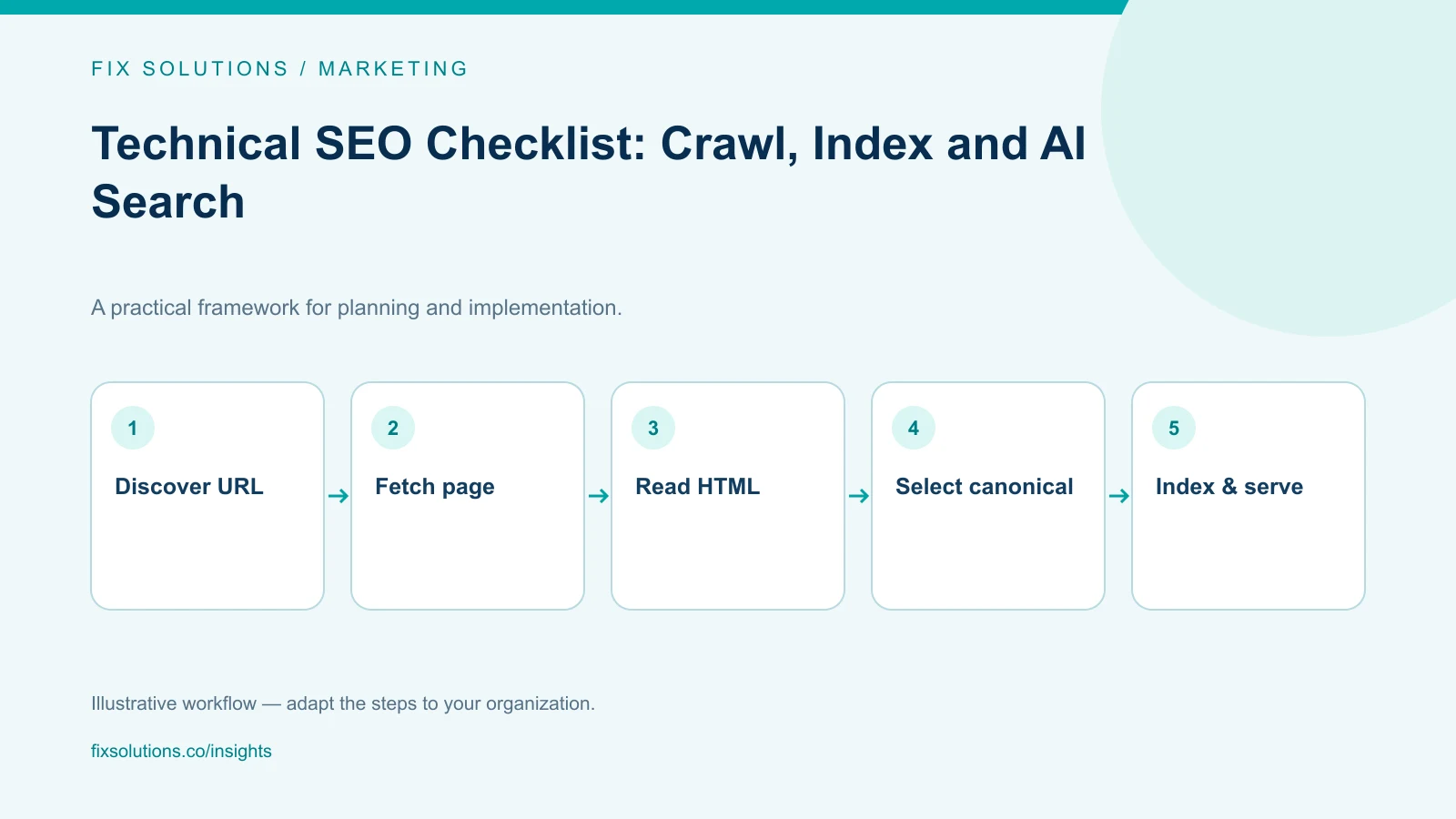
Check that important URLs can be discovered, fetched, understood and considered for indexing. Verify status codes, robots rules, canonical URLs, meaningful HTML content and internal links before tuning secondary details. Then review structured data, mobile usability and page performance. A technically accessible page can still be excluded from search; technical readiness does not guarantee indexing or rankings.
Technical SEO works best as a repeatable release discipline. A migration, navigation change or deployment setting can affect many pages at once. Keep a list of representative URLs and compare their behavior before and after meaningful changes.
The checklist below focuses on evidence a website owner or developer can inspect. It separates access, content and presentation rather than treating a single audit score as proof that everything is correct.
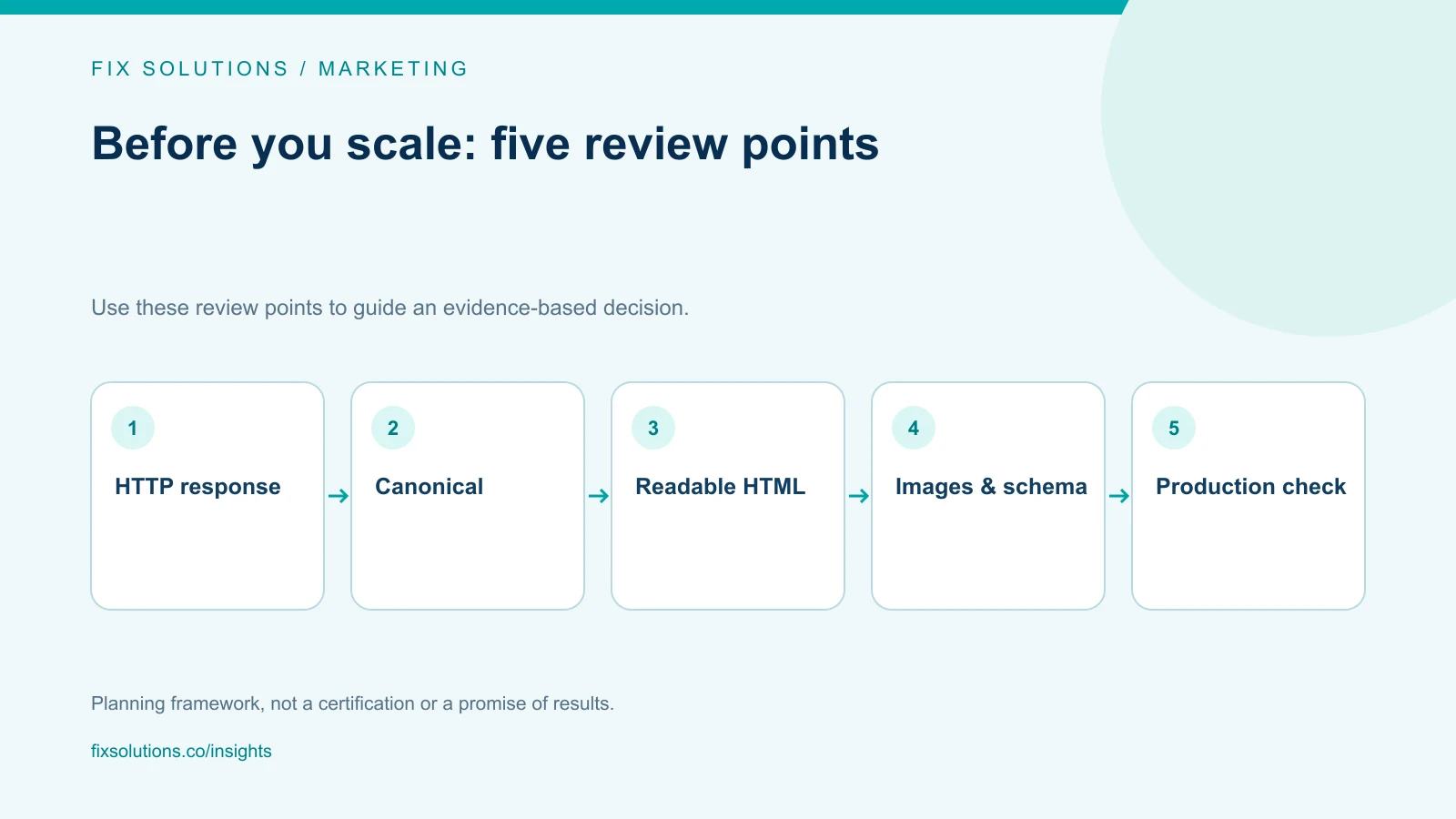
1. Check the actual HTTP response
Open important URLs directly, including new pages, category pages and a deliberately invalid path. A valid article should return a successful response with the expected content. A missing page should not quietly return the homepage with a success status.
Check the preferred hostname and protocol. Redirect alternative versions consistently and avoid unnecessary chains. Test both a browser request and a basic HTTP fetch, because client-side navigation can conceal what the server actually returns.
- Confirm production pages do not require authentication unintentionally.
- Verify that error pages use appropriate error responses.
- Check redirects for loops and unintended destinations.
- Inspect response headers as well as HTML meta tags.
- Test the final public URL, not only a preview environment.
For a static site, confirm that extensionless routes resolve to the intended HTML files on the deployment platform. A route that works in a custom local server may need different hosting configuration in production.
2. Separate crawling from indexing controls
Robots rules govern crawler access. Indexing instructions such as a noindex meta tag or response header serve a different purpose. If a crawler cannot retrieve a page, it may not see the indexing instruction you placed inside it.
Google's crawler overview explains that different crawler and fetcher categories can behave differently. When investigating access, identify the relevant agent and request rather than assuming every bot has identical behavior.
Review production robots rules for accidental staging restrictions. Check that assets needed to understand public content are available where appropriate. Do not use robots.txt as access control for confidential files; authentication and authorization belong at the application or infrastructure layer.
3. Make primary content available in HTML
View the response source for a representative article. Confirm that its title, headings, paragraphs, links and useful image descriptions are present. A loading shell with all content injected later creates additional rendering dependencies for users and automated systems.
JavaScript can improve interaction without being responsible for the article's existence. Table-of-contents links, basic navigation and the complete text should remain usable if scripts are delayed or disabled. Test that menu scripts do not overwrite recently updated links with an older embedded configuration.
Implementation note: a static HTML article does not need a different URL ending in .html. A clean URL can map to an HTML file while keeping the public address readable and stable.
4. Align canonical URLs and internal links
Use a consistent preferred URL for each page. The canonical should reflect the intended public version, not a local development address or preview hostname. Internal links, sitemap entries and redirects should reinforce that choice.
Inspect pagination, filtered lists and duplicate parameters carefully. Do not point every distinct article at the category page. Canonicalization is about substantially duplicate versions, not a shortcut for concentrating ranking signals on a preferred section.
| Check | Example problem | Correction |
|---|---|---|
| Hostname | Canonical uses a preview domain | Use the intended production domain |
| Route | Article canonical points to the homepage | Use the article's own preferred URL |
| Links | Navigation sends users through old redirects | Link directly to the final route |
| Sitemap | Deleted or duplicate URLs remain listed | Keep intended indexable canonical URLs |
5. Maintain a useful sitemap
An XML sitemap helps search engines discover the URLs you want considered. It does not guarantee that they will be indexed. Google's sitemap guidance explains supported formats and the importance of listing preferred URLs.
Include important articles and category pages that return the expected content. Exclude test entries, broken destinations and duplicates. Set modification dates from meaningful content changes rather than regenerating every date simply because a deployment ran.
Submit or inspect the sitemap through Search Console when access is available. Compare the listed pages with the actual content inventory. A generated file can be syntactically correct while omitting the newest articles.
6. Write descriptive titles and page summaries
Each article needs a title that describes its subject and a useful meta description. Keep the main concept near the beginning without repeating keywords mechanically. Character ranges are editorial targets, not a promise about how Google will display a result.
Use one clear main heading and logical subheadings. An answer-first introduction can help readers decide whether the page addresses their question. It should summarize the actual article, not make a stronger claim than the rest of the page can support.
Avoid publishing placeholder authors, invented credentials or statistics without sources. Google's helpful-content guidance emphasizes trust, useful information and clear authorship. Apply those checks before treating metadata as finished.
7. Match structured data to visible content
For an editorial article, BlogPosting or Article markup can describe the headline, author, dates, image and publisher. Breadcrumb markup can describe the page's place in the site. The marked-up information should agree with what a visitor sees.
Google's Article structured-data documentation describes supported properties and eligibility considerations. Valid JSON-LD is necessary for parsing but does not by itself prove eligibility for a particular search appearance.
Do not add a fictional reviewer or a fabricated publication date to make a page look established. If an organization is responsible for the article, represent that accurately. Keep FAQ content useful for readers without assuming a commercial blog will receive FAQ rich results.
8. Check images and mobile layout
Give informative images descriptive alt text. Decorative elements can use an empty alt attribute. Prefer relevant diagrams, authentic screenshots or appropriately licensed photographs over imagery that adds no explanatory value.
Declare dimensions or an aspect ratio to reserve space while images load. Use compressed formats and appropriately sized sources. Avoid lazy-loading the primary above-the-fold image when that delays the main visual; below-the-fold illustrations can usually load later.
Test narrow screens for clipped navigation, tables wider than the viewport and unreadable captions. A technical article can have a responsive table container while preserving the table's meaning. Do not solve overflow by shrinking all text to an uncomfortable size.
9. Measure page experience with the right evidence
The current Core Web Vitals are Largest Contentful Paint, Interaction to Next Paint and Cumulative Layout Shift. Google's Web Vitals reference describes them as measures of loading, responsiveness and visual stability.
Use laboratory tests to investigate causes and field data, when available, to understand real experiences. A local test is not a production field measurement. Hosting, network conditions, user devices and third-party scripts can change the result after deployment.
Prioritize fixes according to observed problems. Large images, blocking scripts, unstable component dimensions and excessive interaction work are common investigation areas, but the relevant cause must come from the page being tested.
10. Prepare for AI search without special promises
Google's AI features guidance says established SEO practices remain relevant; there are no additional technical requirements specifically for appearing in AI Overviews or AI Mode. Focus on accessible content, clear answers and trustworthy supporting information.
Provide definitions that stand alone, explain assumptions and link factual claims to primary sources. These choices help human readers and make passages easier to interpret outside their original context. They do not guarantee an AI citation.
An llms.txt file can be an optional navigation aid for systems that use it, but it is not a Google eligibility requirement. Do not let an experimental file replace useful HTML, crawlable links or careful content review.
A release checklist you can repeat
- Fetch the homepage, a category and several article URLs directly.
- Confirm titles, canonicals, robots instructions and one primary heading.
- Verify article text and links with JavaScript disabled.
- Parse structured data and compare it with visible information.
- Check image URLs, dimensions, alt text and responsive layout.
- Follow internal links and verify the sitemap includes the release.
- Review production behavior after deployment and record unresolved issues.
Keep the output short enough for the team to act on. Record the affected URL, evidence, severity and owner. Distinguish a confirmed failure from an improvement opportunity and from a check that could not be completed without account access.
Frequently asked questions
Does a sitemap guarantee that Google indexes my pages?
No. A sitemap supports discovery. Google still decides whether to crawl, index and serve a page. Check access, canonical signals, content quality and Search Console evidence when investigating missing pages.
Are static HTML blog posts better than JavaScript pages?
Static HTML makes primary content available immediately and removes some rendering dependencies. A well-implemented server-rendered application can also provide complete HTML. The important test is what the actual response contains and how the page behaves.
Can we guarantee a featured snippet or AI Overview citation?
No. Clear structure, direct answers and reliable evidence can improve the usefulness of the content, but search systems choose their results. Avoid treating a formatting template or schema type as a guaranteed placement mechanism.
Make technical checks part of publishing
Connect marketing and SEO work with website engineering and quality assurance. Use our B2B content strategy guide to decide what the site should publish next.
Request a website review with your important URLs, recent changes and the search issue you want to investigate.