How should an enterprise automate regression testing?
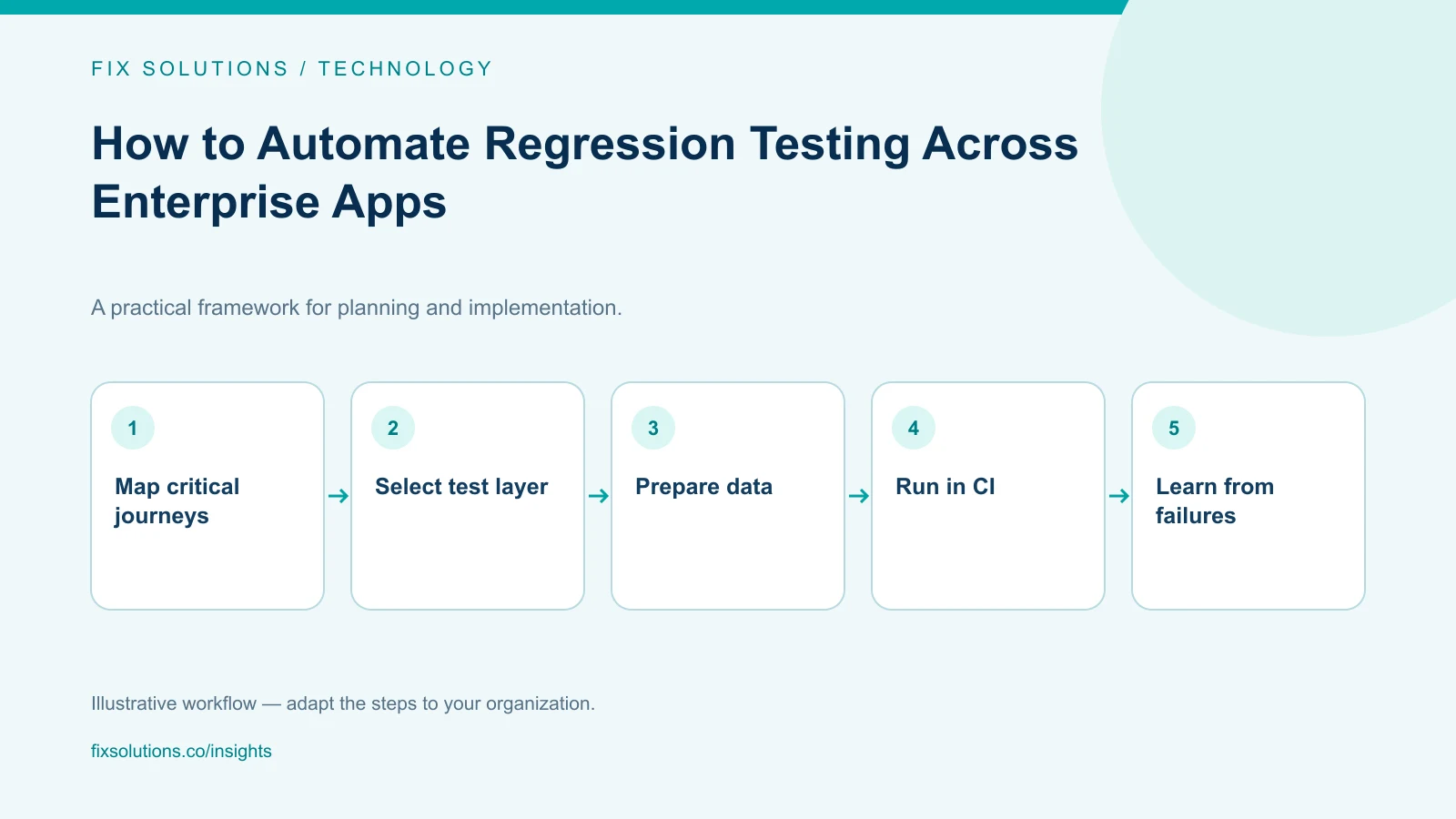
Automate the regression checks that protect important business behavior, at the lowest reliable test layer, and run them where teams can act on failures. Start with critical user journeys and high-risk integrations. Stabilize environments and test data, make failures diagnosable, and review escaped defects to keep the suite aligned with real risk.
Regression testing checks whether a change has disturbed behavior that used to work. In a large enterprise, “test everything on every change” is usually impractical, while automating every manual check can preserve redundant or low-value work. A good strategy prioritizes the business capabilities most likely to break and the evidence needed to release safely.
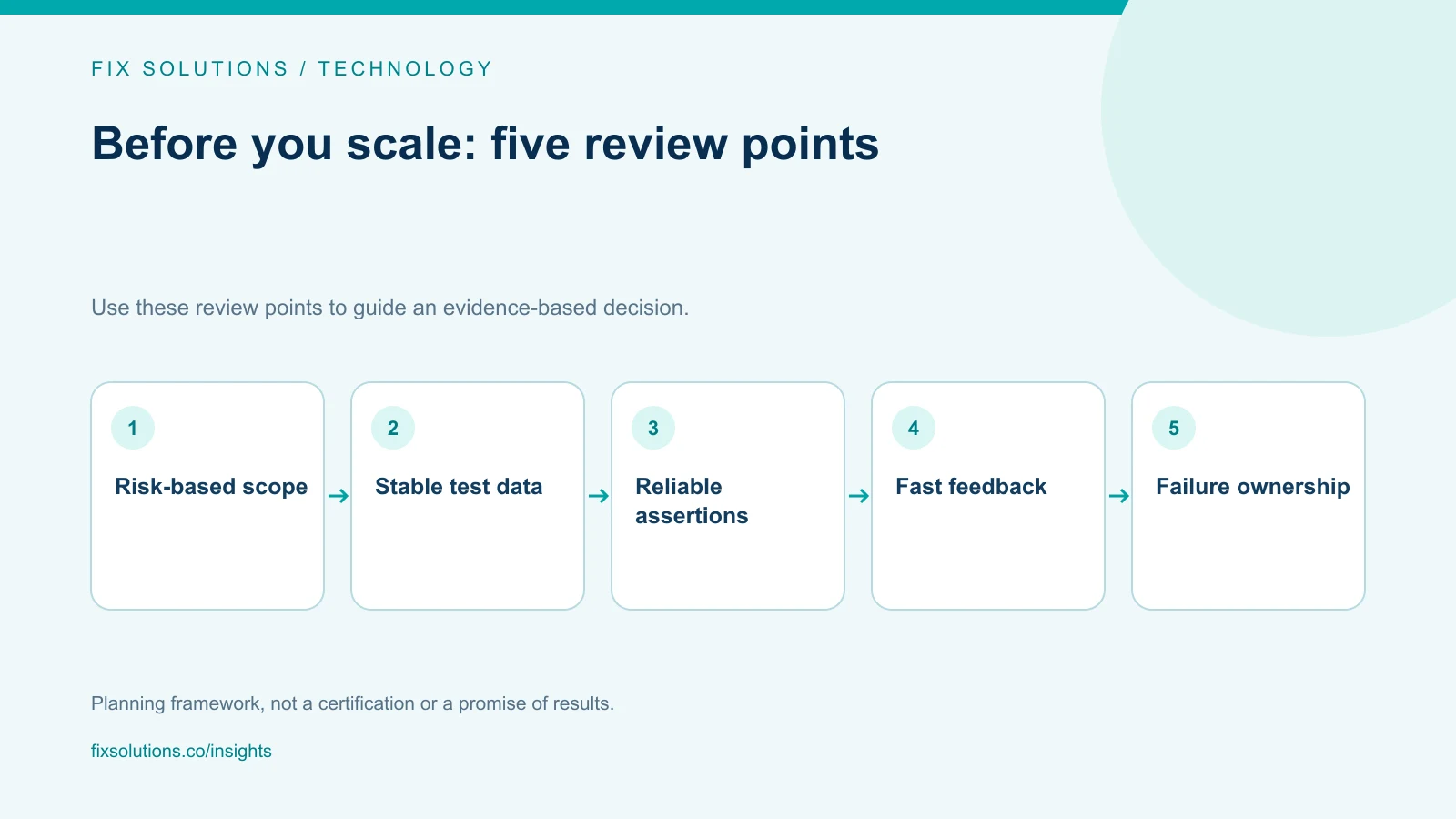
Identify what must not regress
Map important workflows from the user or business perspective: create an order, approve a payment, update a customer record, post a journal entry, reconcile an inventory movement or exchange data with a partner system. Include the rules and downstream effects that make the workflow correct.
Prioritize by impact and likelihood. Consider financial exposure, customer disruption, regulatory or audit relevance, frequency of change, integration complexity and historical failures. A risk register helps teams explain why a scenario is in the release suite and what is intentionally covered elsewhere.
Define testable outcomes. A test that confirms a page loads may miss incorrect permissions, duplicate transactions or an inaccurate calculated balance. Assertions should verify the behavior that matters, such as a permitted user’s ability to complete an action and the resulting state in the authoritative system.
Choose the right level of automation
Use unit tests for small logic and business rules; component or service tests for contracts and boundaries; API tests for behavior that crosses application layers; and end-to-end UI tests for a small number of critical user journeys. Lower-level tests are often faster and easier to diagnose, while UI tests can confirm the integrated experience.
Do not treat one layer as a substitute for all others. A balanced suite tests stable rules close to the code and reserves browser automation for workflows that depend on the user experience. Use contract tests or controlled integration environments to detect interface changes without making every test depend on every live system.
For legacy enterprise platforms, identify which interfaces are reliable and supported. If an application exposes only a user interface, UI automation may be necessary, but document its limitations and invest in accessible selectors, stable waits and recovery paths. Avoid tests that depend on fragile screen coordinates or arbitrary pauses.
Make test data and environments repeatable
Tests need data that represents meaningful cases without exposing production information. Create deterministic datasets or approved masked data, define setup and cleanup, and isolate tests that mutate shared records. If a test passes only when another test ran first, parallel execution will make failures difficult to interpret.
Keep environments representative enough to reveal integration and configuration defects. Record differences from production and decide which checks require a controlled integration environment. Manage test credentials as secrets and apply least privilege. Ensure test data is refreshed and disposed of according to privacy and retention policy.
For systems with external dependencies, use contract tests, simulators or approved test endpoints where appropriate. Make the boundary explicit. A simulator can help isolate a regression, but periodic checks against an integration environment are still needed to detect real contract drift.
Integrate tests into delivery
Run fast, relevant checks on each change and broader suites at appropriate milestones. A practical sequence might include unit and static checks during pull-request validation, targeted integration tests after deployment to a test environment, and critical end-to-end journeys before release. Tune the sequence to the organization’s release process.
Define which failures block a release and who can approve an exception. A quality gate should surface evidence and risk, not merely turn a build red. When a test is known to be flaky, record an owner and remediation date; do not normalize repeated retries that hide genuine failures.
Publish readable results: test name, environment, build, failure message, logs and relevant trace or screenshot. Route failures to the team that owns the behavior. Track time to diagnose and restore confidence, not only test pass rate. A large suite that takes hours to explain may provide poor release feedback.
Keep the suite useful over time
Measure coverage of critical workflows, escaped defects, test duration, flake rate, maintenance effort and failure diagnosis time. Coverage percentage alone does not establish that business risk is addressed. Review incidents and production defects to identify missing scenarios or ineffective assertions.
Prune tests that duplicate stronger coverage or protect behavior that no longer exists. Refactor repeated setup and shared utilities carefully; overly abstract test frameworks can make failures harder to understand. Keep test ownership near the code or business capability under test.
Use a staged rollout: automate a small set of high-value checks, validate stability, then expand. Include maintainability in design reviews. The long-term cost of an automated test includes upkeep whenever the application, data model, interface or environment changes.
The Google testing blog’s discussion of the test pyramid is a useful reference for thinking about test layers and the maintenance costs of relying heavily on end-to-end checks. Apply the idea to your architecture rather than treating any single distribution as a universal target.
Frequently asked questions
Should every manual regression test be automated?
No. Automate repeatable, valuable checks that can be asserted reliably. Some exploratory, visual or judgment-based tests remain better suited to people, especially when expected behavior is still changing.
How do we reduce flaky tests?
Find the underlying instability: timing, shared data, environment drift, unclear assertions or dependent tests. Capture diagnostic evidence, quarantine only with an owner and deadline, and avoid using retries as a permanent fix.
How much regression testing should run before every release?
Run a risk-based set that provides enough evidence for the release decision within the delivery process. The exact suite depends on architecture, change scope, criticality and available environments.
Automate for dependable release decisions
Regression automation succeeds when tests protect important behavior, provide trustworthy evidence and remain maintainable. FIX Solutions can help design an enterprise quality strategy through quality engineering services.