How can an enterprise reduce Kubernetes costs safely?
Connect cluster spend to workload demand, then tune resource requests, scheduling, node capacity and storage without compromising service objectives. Start with reliable ownership and utilization data. Change one class of workload at a time, validate latency and reliability, and review the result with the team that owns the service.
Kubernetes can improve resource sharing and deployment consistency, but a cluster is not automatically economical. Overstated requests can strand capacity; understated requests can cause contention. Idle nodes, oversized disks, observability volume and poorly bounded autoscaling can increase cost even when application code appears efficient.
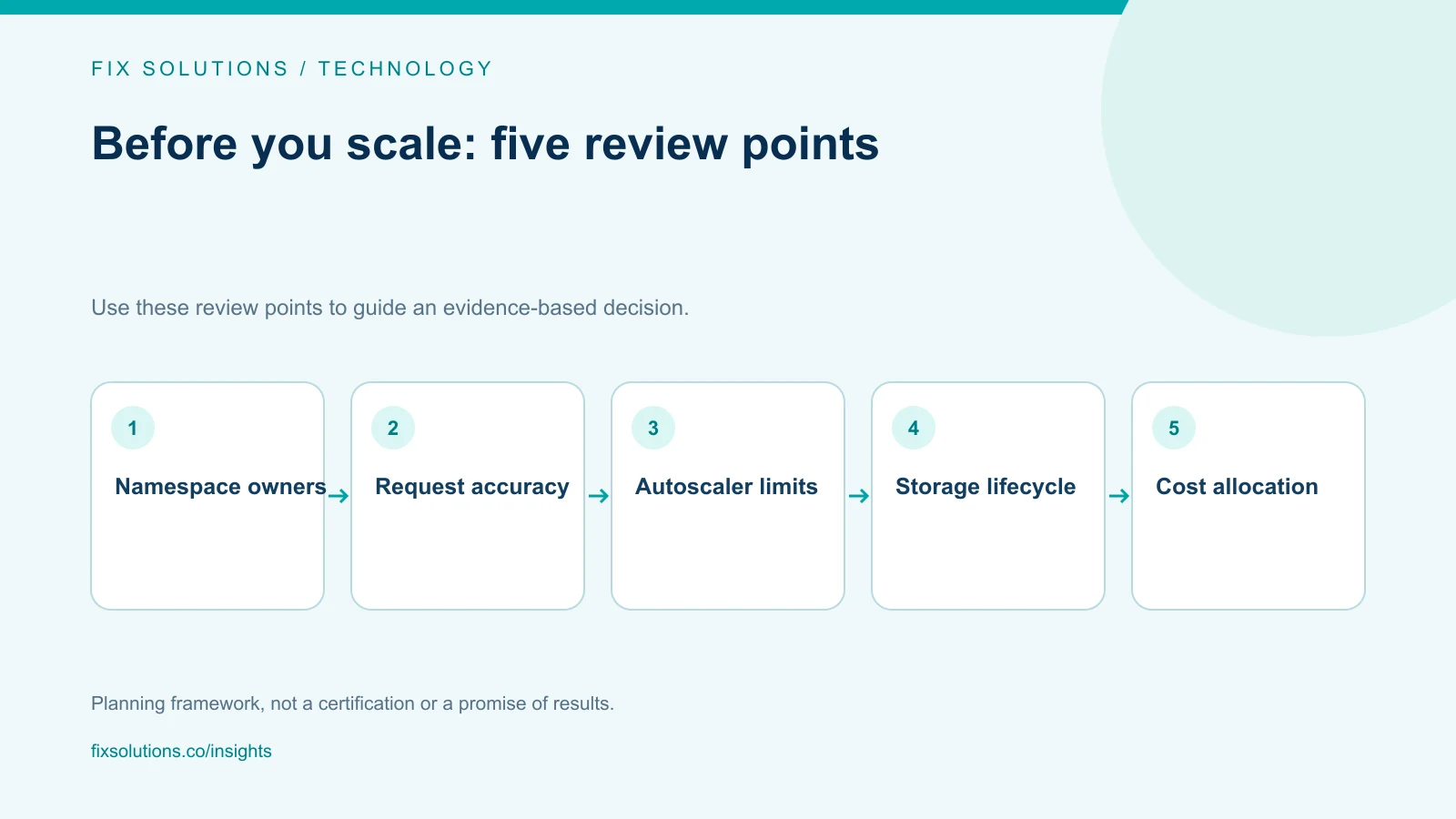
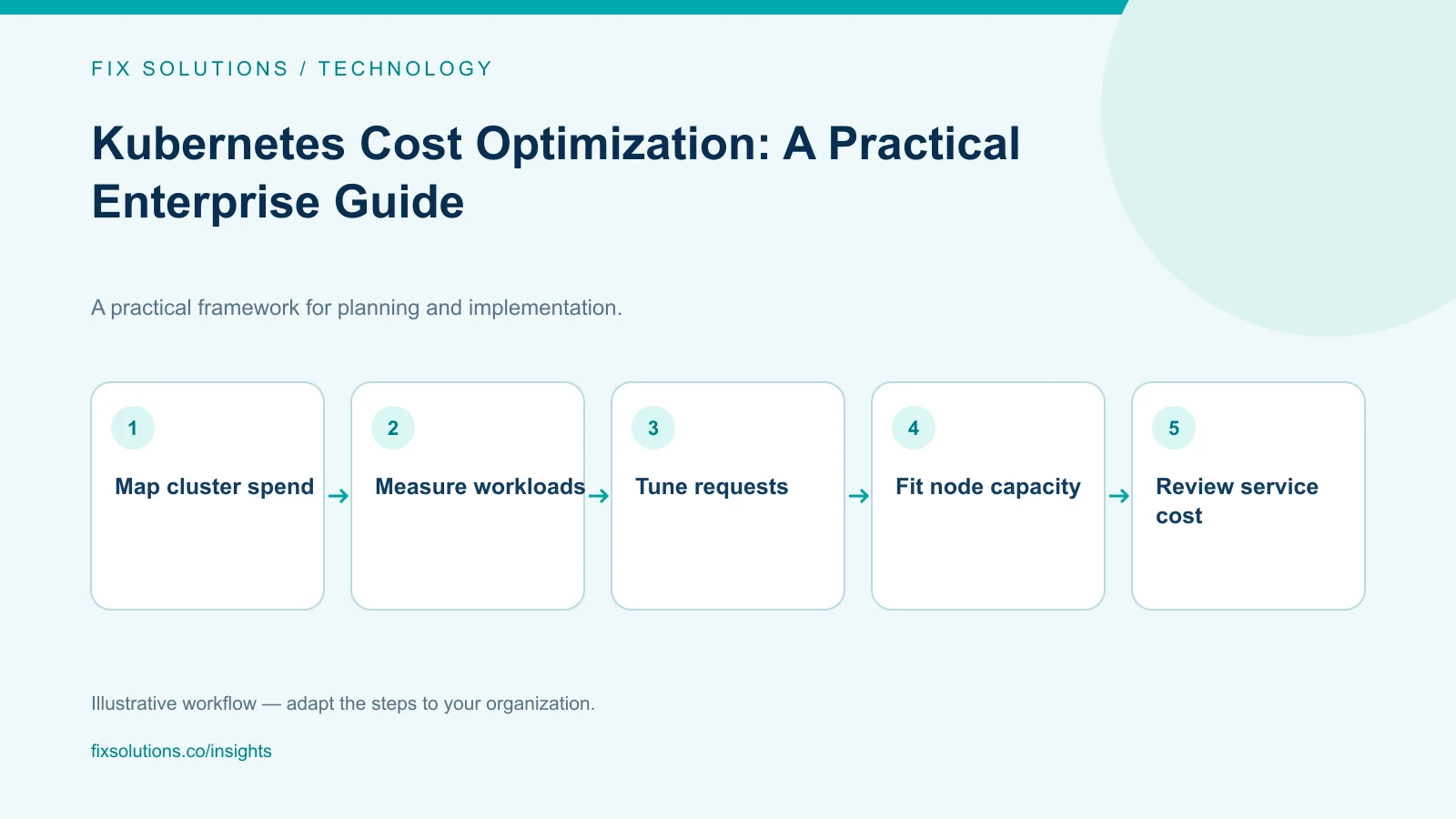
Make cost visible by workload
Inventory clusters, node pools, namespaces, workloads and environments. Map each workload to an owning team and service. Separate shared platform costs—such as control-plane services, ingress, monitoring and security tooling—from application resources. Choose an allocation method for shared costs and document it so teams can interpret reports consistently.
Use cost data with Kubernetes metrics. Billing data shows infrastructure charges; cluster telemetry shows requests, limits and observed use. Compare these with service indicators such as latency, saturation, error rate and queue depth. A dashboard that reports only the percentage of requested resources used can mislead if the workload has bursty traffic or strict availability requirements.
Build a baseline over representative traffic periods. Include batch schedules, seasonal peaks, failover capacity and deployment surges. Confirm that metrics cover every cluster and that data gaps or label changes do not create false improvements.
Tune requests and limits deliberately
Resource requests influence scheduling and bin packing. If they are consistently higher than observed needs, nodes may be added unnecessarily or left partly unusable. If requests are too low, the scheduler may pack workloads too tightly, increasing contention and eviction risk.
Review CPU and memory separately. CPU can often be throttled; memory pressure may cause termination. Look at percentiles and peaks, not only averages. Start with low-risk services, compare requests against usage over a defined period, and propose measured changes through normal deployment review.
Set limits based on workload behavior and operational requirements. A limit can constrain runaway consumption but can also create throttling or failures if it is too restrictive. Use load tests and production observations to validate adjustments. Avoid blindly copying one workload’s configuration to another.
Consider vertical recommendations as input, not automatic truth. The owning team should understand how the recommendation was calculated, whether it includes peak periods and how to roll back. Add guardrails to prevent unsafe changes from being applied without review.
Improve node utilization and autoscaling
Review node pools for instance families, architecture, availability zones and workload fit. Specialized workloads may require dedicated pools; general-purpose workloads may share capacity if isolation and reliability requirements allow it. Use scheduling constraints intentionally: strict affinity or oversized per-node reservations can prevent otherwise compatible workloads from sharing capacity.
Cluster autoscalers and node autoscaling can help match capacity to demand, but they require sensible minimums, maximums, provisioning times and disruption behavior. A low minimum may save idle cost yet cause slower recovery or cold-start delays. A high maximum can permit an unexpected cost increase. Define budgets and alerts around both normal scaling and runaway behavior.
For disruption, understand pod disruption budgets, graceful shutdown, replica spread and stateful workload needs. Consolidation is safe only when the application can tolerate node replacement. Use maintenance windows or gradual policies for critical workloads, and verify that capacity remains available during upgrades and failures.
Consider commitments or spot capacity only after reviewing workload tolerance, availability requirements and current provider terms. Interruptible capacity may suit resilient batch work but is not appropriate for every service. Document fallback capacity and the owner for interruptions.
Review storage, networking and observability
Persistent volumes, snapshots and storage classes can accumulate costs. Identify orphaned volumes, abandoned test data, oversized claims and retention that no longer serves a business or compliance need. Confirm backup and restore behavior before changing retention or deleting data.
Inspect network paths, load balancers, egress, cross-zone traffic and service-to-service communication. A cluster with efficient compute can still generate significant network charges. Validate architecture changes against latency, security boundaries and resilience.
Metrics cardinality, log volume and trace retention can grow quickly in a large cluster. Establish ownership for telemetry, remove duplicate or low-value data, and choose retention tiers that preserve incident and audit requirements. Do not disable critical observability to make a cost graph look better.
Create a safe optimization cycle
Maintain a backlog that lists the affected workload, owner, evidence, expected savings, risk, test plan and rollback. Prioritize high-confidence changes with limited blast radius. Use canary or staged rollout where practical, and compare before-and-after cost per request or job alongside reliability indicators.
Review the change after at least one representative workload cycle. If demand changes seasonally, a short window may not prove the optimization is safe. Keep a record of the configuration and decision so later teams know why a request, limit or pool boundary exists.
Put preventive controls in the platform: default ownership labels, resource quotas, policy checks, autoscaling guardrails and cost alerts. Controls should guide teams toward safe configurations rather than block legitimate workloads without an exception path.
For technical details, use the Kubernetes documentation on resource requests and limits and node autoscaling. These references explain platform behavior; workload owners still need to validate changes against their service objectives.
Frequently asked questions
Should every container have a CPU and memory limit?
There is no universal configuration that suits every workload. Set policy based on workload behavior, platform standards and the consequences of unbounded resource use. Review the effects of limits under realistic load.
Can Kubernetes tools identify wasted spend automatically?
They can surface utilization patterns and recommendations, but they may not know business criticality, peak schedules or recovery needs. Treat recommendations as review candidates for the service owner.
Does moving workloads to a larger shared cluster always save money?
No. Consolidation may improve packing but can add contention, blast radius and operational complexity. Compare total cost and service risk before consolidating.
Optimize the service, not just the cluster
Effective Kubernetes cost work joins platform data with application context. Make ownership visible, tune resources using real demand and retain the safeguards that keep services available. FIX Solutions can help assess platform engineering priorities through IT development services.