How do you audit enterprise software without disrupting operations?
Run the audit as a controlled discovery and decision process, not as an unannounced shutdown exercise. Start with read-only evidence and clear owners, validate findings with users and vendors, classify business criticality, then assess overlapping capabilities, security, contracts and renewal dates. Change or retire software only through the organization’s normal change, continuity and procurement controls.
An enterprise software and system audit is often triggered by an upcoming renewal, a security concern or a budget review. The visible list of approved applications is rarely the complete estate. Teams may use local tools, departmental subscriptions, trial accounts, spreadsheets, scripts or vendor features that arrived through an acquisition. A product inventory alone also misses how applications depend on databases, identity, scheduled jobs and one another. The purpose of an audit is to establish what is used, why it is used, what it costs and what risk or dependency would follow a change.
The audit should not equate “unknown” with “unauthorized” or “unused.” A system that looks redundant may support a critical workflow, a regulatory record or an integration nobody documented. Preserve service continuity while gathering evidence, and involve the people who understand the work before making a decision.
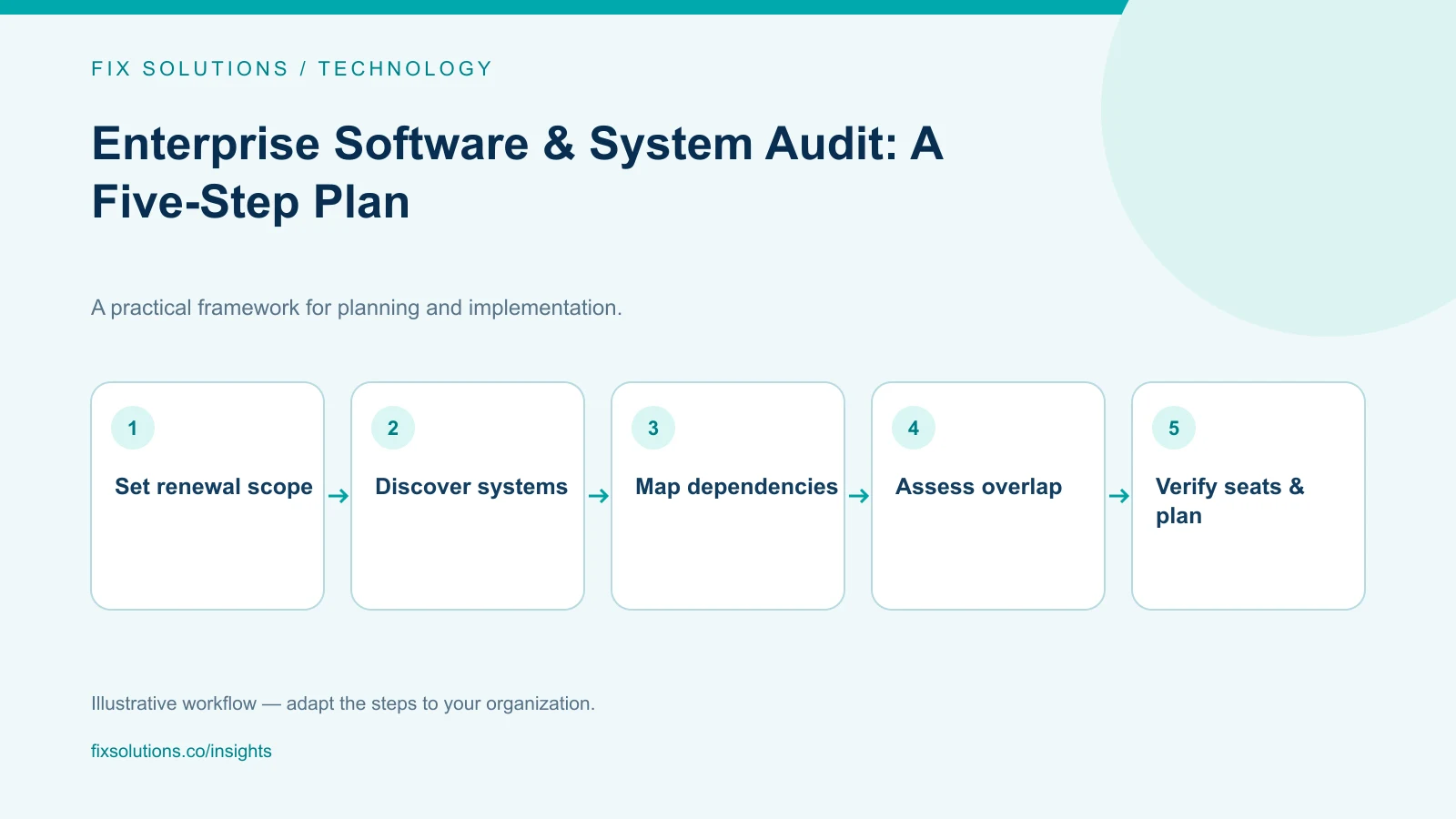
Step 1: Set scope, safeguards and ownership
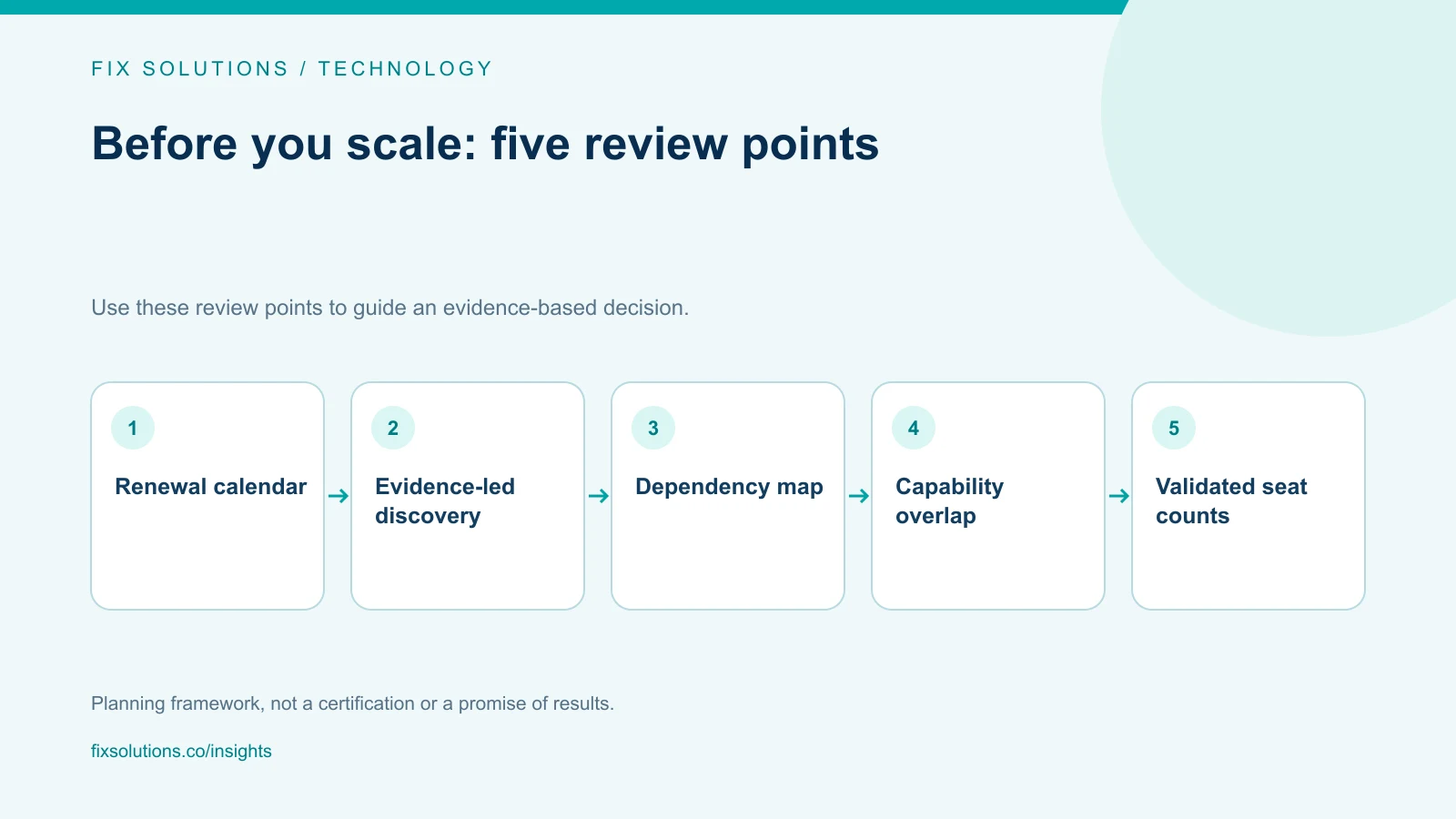
Choose the business question and an upcoming renewal window. Start with subscriptions whose notice deadlines fall within the next planning cycle, then work backward from each notice and approval date to establish time for discovery, vendor discussions, user validation and any safe migration. Include relevant applications and connected systems, not just the line items on the renewal quote. A broader assessment can follow without delaying a decision that has a real deadline. Avoid a goal such as “remove 20 percent of applications” before knowing what exists or what the organization needs.
Name an executive sponsor, an audit lead and domain contacts from IT, security, finance, procurement and business teams. Include application owners who can explain how work gets done. Establish a small decision group that can prioritize risk and make renewal recommendations without turning every finding into a committee debate.
Agree on safeguards:
- Use read-only data sources for discovery wherever possible.
- Do not scan production systems or endpoints without security approval.
- Do not revoke access, cancel subscriptions or change configurations during inventory collection.
- Define how confidential contracts, user activity and personal data will be handled.
- Set a route for reporting a critical exposure or service dependency immediately.
- Record scope, time period, assumptions and known omissions.
Create a simple evidence register with source, collection date, confidence, owner and validation status. This prevents a billing record or network observation from being mistaken for a complete application inventory. Record contract start, renewal and notice dates as distinct fields; a procurement calendar based only on payment dates can miss the time needed to avoid automatic renewal.
Step 2: Discover the applications and their owners
No single evidence source is complete. Combine procurement and accounts-payable records, software asset management tools, identity-provider application listings, browser or endpoint discovery where approved, cloud marketplaces, contract repositories, network or DNS metadata and department interviews. Search vendor-managed application catalogs, expense reimbursements and business-unit purchasing routes as well as central IT records. Offer a non-punitive route for departments and employees to identify tools missing from formal inventories.
Each source has limits. Finance data can miss free or bundled products. Identity-provider logs miss local accounts and tools that do not use single sign-on. Endpoint discovery can identify installed software but not explain whether it is business-critical. Network records may show a service connection without indicating ownership or approved purpose. Interview system administrators and workflow owners about undocumented batch jobs, file transfers, shared service accounts, locally maintained scripts and manual handoffs. Do not deploy intrusive discovery or interrogate production environments without approvals from the security and service owners.
Create a normalized inventory with at least:
| Field | Why it matters |
|---|---|
| Product and provider | Avoid duplicate names and clarify who supplies the service |
| Business owner and technical owner | Identify who can explain use and support |
| Business capability | Describe the work it enables, not just its vendor category |
| User population and usage evidence | Distinguish active use from assigned access |
| Data and integrations | Reveal dependencies, sensitivity and change impact |
| Upstream and downstream systems | Show how identity, APIs, files, jobs and reports depend on the application |
| Contract, renewal and notice dates | Make commercial decisions before deadlines |
| Criticality and recovery expectations | Prioritize continuity and exit planning |
| Discovery source and confidence | Show how reliable and current the entry is |
Find shadow IT without blaming users
Users adopt unapproved tools for a reason: a work process is underserved, approval is too slow, or an official product is difficult to use. Treat discovery as an opportunity to understand those needs, not to punish the first person who reports a tool.
Ask departments to confirm the inventory and disclose additional services through a clear, confidential process. Explain what happens after disclosure. If reporting a tool automatically triggers immediate shutdown, teams will hide it and the audit will become less accurate.
For potentially sensitive tools, involve security and privacy specialists before collecting detailed user-level telemetry. Prefer aggregate evidence where it answers the question. Follow internal policy and applicable law; an audit does not authorize unlimited employee monitoring.
Step 3: Map capabilities and investigate overlap
Group applications by the capability they support: customer relationship management, campaign execution, collaboration, file sharing, analytics, workflow automation or software development. Product category alone is not enough. Two tools labeled “project management” may support entirely different groups or controls.
For each application, document the workflows supported, user groups, data created, integrations, service levels and unique requirements. Compare capabilities at the workflow level rather than counting products in the same vendor category. Show where two products deliver the same task and where an apparent duplicate serves a distinct team, location, compliance boundary or recovery function. Estimate the cost to migrate users and connected systems, not merely the license difference. Identify whether overlap is:
- Intentional redundancy: a secondary service exists for recovery or separation of duties.
- Functional overlap: two products can perform a similar task but serve different needs.
- Historical duplication: a previous product was meant to be retired but remains in use.
- Contractual bundling: a capability is included in a suite but is not enabled or adopted.
- Data duplication: records are copied into tools without clear ownership or reconciliation.
Interview users from more than one team. Ask them to demonstrate a representative task and what happens when the tool is unavailable. A product’s license count does not explain business value, and a low login count does not prove that the system is unnecessary if it is used for quarterly close or emergency response.
Draw a dependency map for each application under consideration. Include identity and access providers, APIs, databases, file exchanges, schedulers, analytics, reporting, customer notifications and retention or archival systems. Record the direction and frequency of data flows, the owning team, how a failed transfer is detected, and the business consequence if it stops. Tag dependencies as confirmed, inferred or unverified. Validate the map with application and integration owners; an observed network connection is a lead to investigate, not proof of a critical dependency.
Step 4: Validate risk, value and operating fitness
Use a consistent assessment that considers business criticality, adoption, technical health, data sensitivity, access controls, vendor support, integration quality, operational effort and replacement options. Keep scores explainable. A high score should point to evidence and an accountable reviewer rather than a subjective label.
Check security and privacy through the organization’s established process. Questions may include authentication, role management, logging, data location, encryption, subprocessors, retention, incident notification and export or deletion procedures. Do not treat a vendor questionnaire as the entire assessment; confirm how the product is configured and used.
Estimate total cost from more than the invoice. Include licenses, implementation, integrations, support, administration, training, storage, usage charges, renewal uplifts, exit services and internal time. Consider cost per useful outcome where data supports it, but do not compare unlike applications using an artificial single metric.
Validate capabilities against actual contracts and service terms. Check auto-renewal and notice windows, price protections, user or transaction tiers, data extraction, termination assistance and any implementation commitments. Involve procurement and legal for contractual interpretation rather than assuming a renewal quote represents the full obligation.
Rate confidence as well as risk
Some inventory entries will be confirmed; others will be inferred from incomplete evidence. Mark confidence separately from risk. An unknown owner can be a discovery issue even when the immediate technical risk is low. A critical application with low-confidence recovery information deserves prompt investigation.
Create a short list of questions for uncertain entries. Assign an owner and a date. If an application cannot be validated, escalate the uncertainty rather than inventing a usage or risk score.
Step 5: Make renewal, consolidation and exit decisions
Build a decision record for each major product: renew as-is, renegotiate, reduce seats, consolidate, remediate, replace, or plan retirement. Each option should state its evidence, expected cost or risk change, dependencies, affected users and next decision date.
Validate assigned seats before reducing a renewal
Compare purchased seats with assigned accounts and observed activity across a period that reflects the business cycle. Confirm what the vendor counts as an active user, whether automated accounts or seasonal roles consume licenses, and whether a role still needs access even if recent logins are low. Some products have concurrent-use, transaction, storage, environment or minimum-commitment fees that a seat count will not reveal.
Ask each owner to confirm proposed removals. Check for upcoming leave, quarter-end work, backup operators and access that is needed only during an incident or audit. A low-activity account can be essential; a named account with no current owner can pose a security concern. Do not deactivate accounts solely on a short telemetry sample. Follow access approval, change control and vendor terms, then record seats released and their verified renewal impact separately from hypothetical savings.
| Decision | Conditions to verify before acting |
|---|---|
| Renew | Clear owner, required capability, acceptable terms and support plan |
| Reduce seats | Reliable usage window, dormant-account process and access approval |
| Consolidate | Capability fit, migration plan, integration changes and user readiness |
| Remediate | Named control gap, accountable owner, target date and evidence of closure |
| Replace | Approved alternative, tested migration, continuity and exit costs |
| Retire | Data retention, legal holds, integrations, export and user communication |
Begin renewal work early enough for genuine leverage and a safe exit option. Calendar contractual notice deadlines and internal approval deadlines. Reconcile assigned, paid and actually usable seats with procurement and the application owner before negotiating. Request pricing at multiple realistic quantities and document the assumptions, including tier changes or minimum commitments. Evaluate alternatives before the deadline, but do not use a threat to cancel as a negotiation tactic if the organization has no validated migration path.
For a retirement, define the cutover window, system of record, data export and verification, access removal, integration shutdown, user support, rollback limits and final evidence. Maintain a change record. Stop a retirement if a critical dependency emerges; the audit’s purpose is to reduce risk, not to hit a predetermined count.
Keep the audit useful after the first pass
An application inventory decays unless it is part of normal operations. Require owners, renewal dates, data classifications and integration records during procurement and architecture review. Update the inventory when a product is acquired, materially changed or retired.
Review the highest-risk and highest-cost entries on a regular cadence. Create alerts for renewals and ownership gaps. Reconcile invoices and application inventory periodically. A portfolio dashboard can track verified ownership, renewal visibility, duplicate capabilities and exceptions, but metrics should improve decisions rather than reward the largest number of entries.
The CIS Critical Security Controls include inventory and control practices that can inform software and asset visibility. The NIST Cybersecurity Framework provides an outcome-oriented structure for organizing cybersecurity risk work. Use these as references alongside internal controls; neither prescribes a one-size-fits-all procurement or audit process.
What not to do during an audit
Do not disable first and investigate later. A credential or service may support a business-critical process. If there is an immediate exposure, follow incident response and containment policy with the responsible teams.
Do not rank software solely by login counts. Rare but essential use cases can be invisible in a short measurement window. Pair telemetry with workflow, calendar and operational evidence.
Do not assume suite consolidation eliminates cost. Bundled features may require implementation, migration, retraining or additional licenses. Compare total operating cost and fit.
Do not ignore the exit. Data export, retention, deletion and integration replacement can be the hardest parts of retirement. Plan them before a renewal decision.
Frequently asked questions
How long does an enterprise software audit take?
It depends on scope, number of systems, contract complexity and evidence quality. A focused audit of one product category can be much smaller than an enterprise-wide review. Start with a defined decision and report uncertainty rather than implying the first inventory is complete.
How can we detect shadow IT safely?
Combine approved discovery sources with a non-punitive disclosure process and department validation. Use read-only evidence where possible, coordinate telemetry collection with security and privacy teams, and do not shut down a service solely because it was not in the original catalog.
Should we consolidate every overlapping application?
No. Some overlap is intentional or supports distinct workflows. Consolidate only when the alternative meets user, security, integration and continuity needs and the total cost of change is understood.
Sources and further reading
For a software portfolio review, begin with a bounded scope, validated inventory and safe decision gates. FIX Solutions’ IT development services can help teams map systems and dependencies.