Is one all-in-one enterprise platform the best choice?
A single platform can simplify some operations, but “one vendor” is not the same as “one system” or “lower total cost.” Compare how well the suite supports the workflows that differentiate the business, what it costs to operate and integrate, how data moves, and how the organization can change or exit. A modular architecture can improve fit and adaptability when boundaries are governed; it can also add substantial integration and ownership overhead.
Enterprise buyers are often offered a reassuring promise: consolidate applications into one platform, remove integration complexity and reduce cost. The promise can be true for a specific organization and capability. It can also hide migration effort, suite-specific customization, unused modules, uneven product maturity and the operational cost of dependence on one provider.
The alternative is not automatically “best-of-breed everywhere.” A portfolio of specialized tools can create duplicated data, fragile connectors, inconsistent access controls and unclear support boundaries. The decision is about fit and responsibility, not the number of logos on a slide.
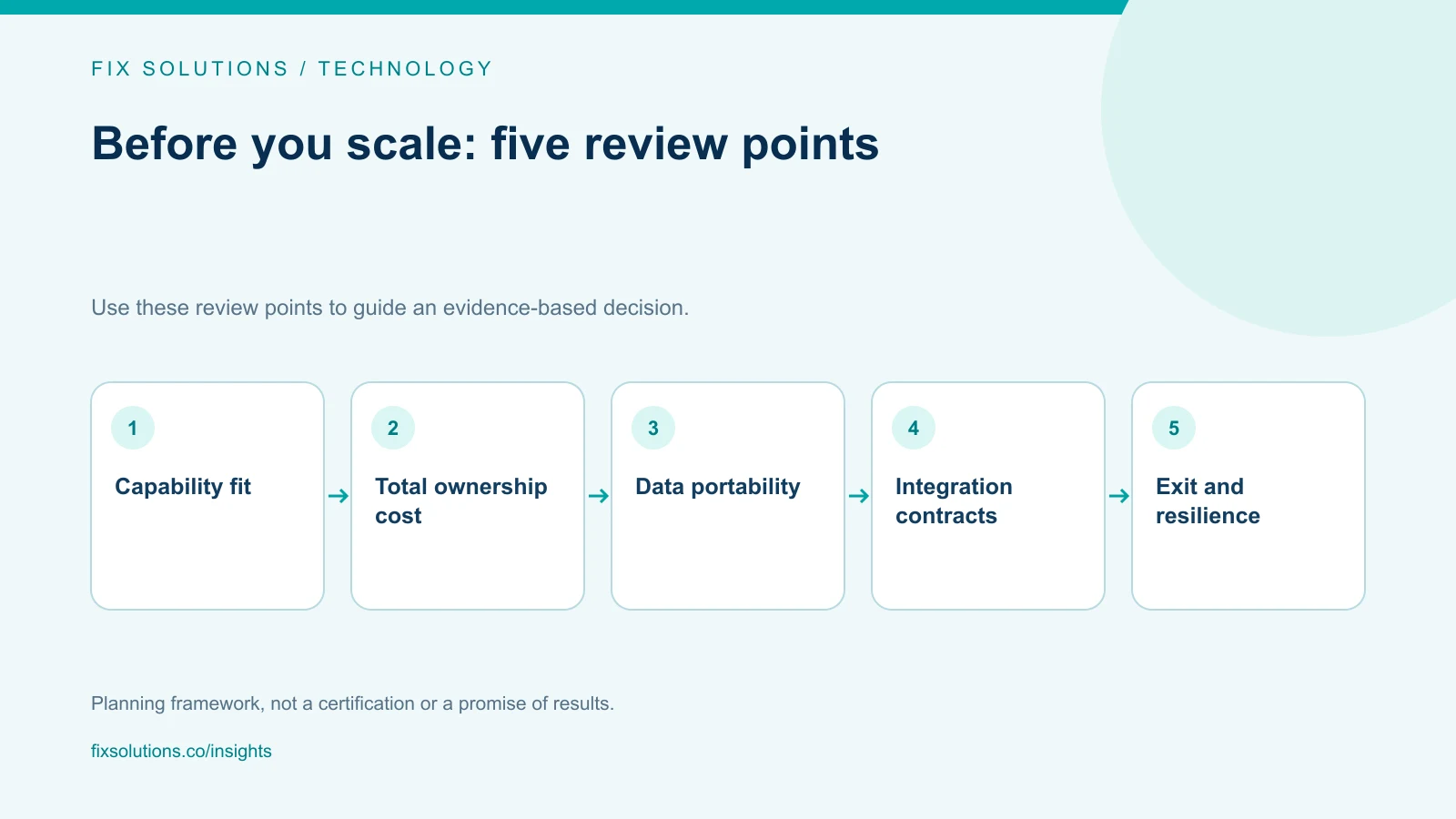
Define what “one platform” means
The term can refer to one supplier, one commercial contract, one user interface, one shared data model, one runtime or one suite of separately licensed products. These properties are not equivalent. A vendor may sell a broad portfolio of modules that have different administration, identity, release schedules and data stores.
Ask which consolidation outcome matters. Is the objective fewer contracts, less manual reconciliation, a common employee experience, faster product delivery, more consistent controls or reduced support burden? Measure the relevant baseline before evaluating claims.
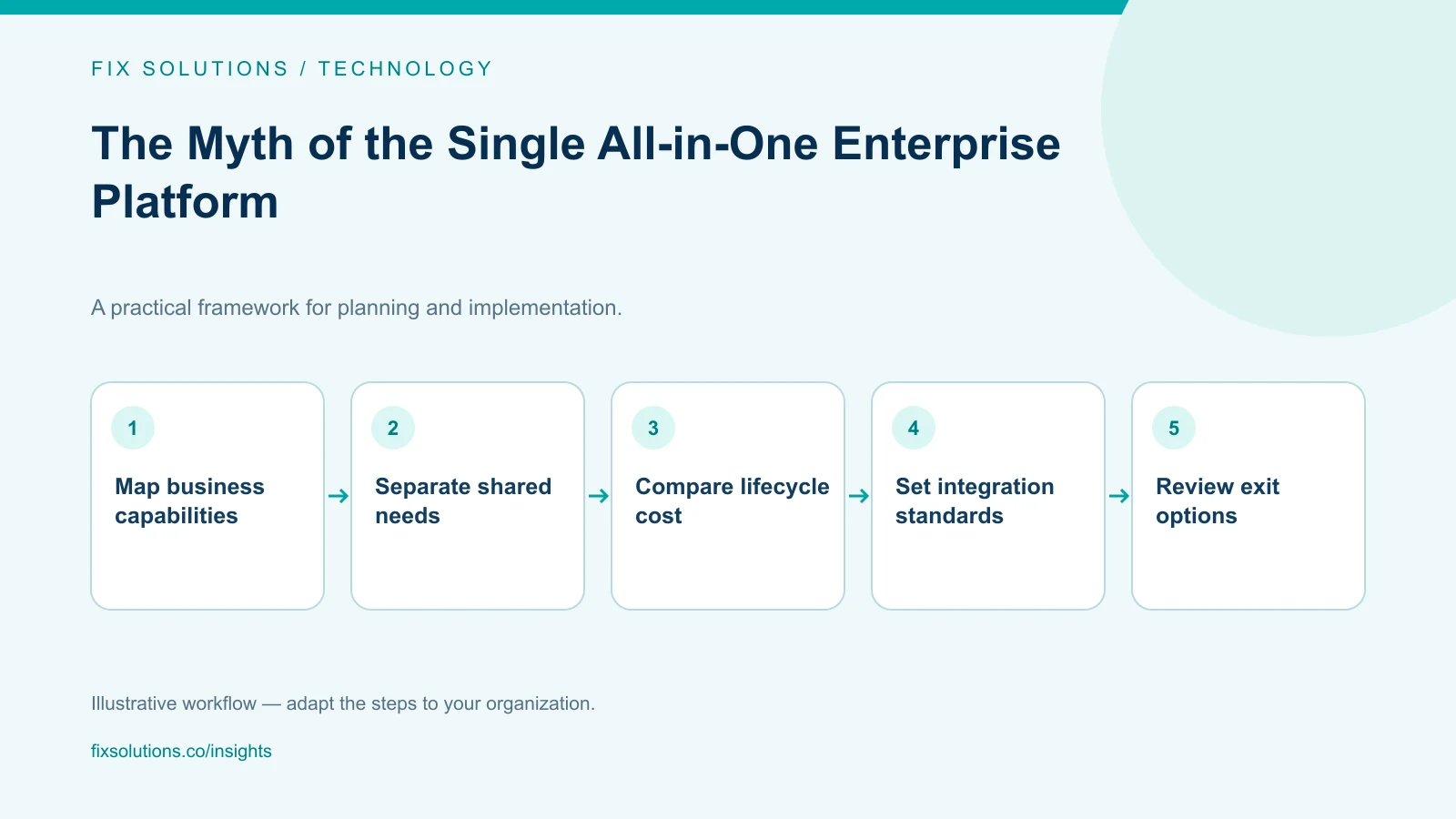
Map business capabilities and their current systems. Identify which capabilities are generic and which create differentiation. A standard expense workflow may benefit from a mature suite; a customer-facing pricing engine may be strategically distinct. The organization should not pay to customize a broad platform for every unique process without comparing a focused alternative.
Compare the architectures honestly
| Consideration | Broad suite | Composable portfolio |
|---|---|---|
| Procurement | Fewer supplier relationships may be possible | More contracts and renewal owners |
| Workflow fit | Common functions may integrate naturally; specialized needs may require workarounds | Specialized products can fit a function closely |
| Integration | Shared vendor ecosystem can reduce some connections, but module boundaries remain | APIs and events need explicit design and operation |
| Data | Shared models can help, but exports and semantics still need review | Data remains distributed unless an analytical model is governed |
| Change | A vendor roadmap may simplify updates or constrain timing | Components can change independently, if boundaries are real |
| Resilience | Concentration can make one provider a broad dependency | Diversity can reduce some concentration but increases failure modes |
| Cost | Bundling may lower marginal license cost or lead to shelfware | Fit can be purchased incrementally; integration and support add cost |
| Exit | Broad migration may be difficult and data dependencies widespread | Components may be replaceable if contracts and interfaces are portable |
These are tendencies, not guarantees. A suite can have clean interfaces and export paths; a modular system can be tightly coupled through undocumented scripts. Inspect the actual deployment and contract.
Evaluate total cost of ownership
Compare the cost of operating a capability over a realistic horizon. Include subscription or license fees, implementation, migration, integration, data storage, support, administration, training, security reviews, upgrades, customizations and exit. Include internal labor even if it is not shown on a vendor quote.
For a suite, test whether the business would buy each module independently. Model seat and usage tiers, premium features, required platform products and price changes at renewal. A low bundled price can be valuable, but a capability does not save money if the organization pays for it and keeps using its old tools.
For a composable design, count connectors and their lifecycle. Each integration needs an owner, monitoring, credentials, change handling, replay or recovery behavior and a support route. A connector that appears free can still consume engineering time every time one endpoint changes.
Compare more than the subscription total. An architecture with higher license cost may reduce expensive manual work; one with lower cost may increase reconciliation or incident response. Express assumptions and confidence. Avoid presenting a single precise number when key adoption or migration assumptions remain unknown.
Consider the cost of change
A platform’s value includes how safely it supports the next business change. Estimate the time and effort needed to add a capability, update an integration, change a workflow or replace a component. Past delivery evidence is more useful than claims about configurability.
Ask vendors to demonstrate a representative change using the organization’s constraints. Include identity, data migration, exception paths, access review and operations. A polished demonstration of the easiest configuration says little about an edge case that requires custom code.
Design modularity around business boundaries
Composability is more than assembling products from a marketplace. A modular architecture needs boundaries that keep responsibilities and data ownership understandable. Define which system owns each important record and how changes propagate. Treat APIs and events as contracts with versioning, identity, rate limits, retries and error behavior.
Avoid point-to-point integration sprawl. A new component should connect through governed interfaces or a managed integration layer where appropriate. This does not mean every data flow must pass through one central hub; it means teams can discover the flow, its owner and how it fails.
Use a shared identity and access strategy, but do not assume common login means common authorization. Review role mapping, service identities, administrator access and offboarding across vendors. Establish minimum security and logging requirements that apply to the full portfolio.
Keep shared definitions where they matter. Product, customer, order and revenue data may cross multiple platforms. Define identifiers, lifecycle semantics and authoritative ownership, then publish the appropriate analytical views. A centralized data model should not silently overwrite operational source records.
Avoid distributed-monolith behavior
A portfolio can be distributed while remaining tightly coupled. If one workflow requires five synchronous services, a coordinated release across vendors or a shared database that every product edits, the system may be harder to change than a well-structured suite.
Map the critical request paths and release dependencies. Prefer asynchronous integration where timing permits, and set clear availability expectations for each dependency. Keep the end-user workflow useful during partial outages. For data consistency, define which updates are authoritative and how delayed synchronization is corrected.
The AWS Well-Architected Framework discusses design considerations such as operational excellence, reliability and security. These are useful dimensions for reviewing a portfolio, regardless of provider. Architecture principles need to be translated into requirements and tested against the actual service.
Account for concentration and exit risk
Consolidating many capabilities with one supplier may reduce contract administration but increase concentration risk. A change to pricing, product direction, service availability or contract terms can affect a broad part of the estate. Evaluate the provider’s role in critical workflows, regions, identity and data, then decide what resilience or contingency is proportionate.
A multi-vendor portfolio has its own concentration risks: a shared identity provider, cloud provider or integration platform can be a critical common dependency. Count dependencies, not vendors alone.
For each strategic platform, document an exit plan. Identify data formats and export methods, data dictionaries, attachments, audit logs, event history, custom configuration, integration replacements, retention requirements and transition support. Test exports periodically where practical. A clause promising portability is useful only if the organization can reconstruct the capability from the exported information.
Avoid paying for redundant standby systems without defining recovery requirements. Conversely, do not assume that a contractual service-level promise alone ensures recovery. Establish what the business needs, who owns the continuity procedure and how it will be tested.
A practical selection method
1. Choose a bounded capability. Avoid comparing entire enterprise landscapes at once. Select a workflow with a clear owner, users and desired outcome.
2. Define requirements and constraints. Document business outcomes, integrations, data classification, accessibility, availability, geographic needs and skills. Separate essential criteria from preferences.
3. Identify viable patterns. Compare extending the current suite, adding a specialized product, building a focused service or redesigning the workflow. Include a keep option if the current system remains viable.
4. Estimate lifecycle cost and risk. Include delivery, coexistence, operations, renewal, support and exit. State uncertainty and test the assumptions that dominate the result.
5. Prototype the hardest boundary. Validate identity, data exchange, failure handling and user workflow—not merely a happy-path screen. Use real operational constraints and safe test data.
6. Record ownership. Assign product, integration, data and operations owners before purchase. If no team can operate the proposed design, it is not a complete solution.
7. Review after adoption. Compare expected and actual usage, outcomes, integration effort and support burden. Keep renewal and exit decisions on the roadmap.
When an all-in-one platform is a good choice
A broad platform may be a strong fit when its core workflows match the business, the organization values standardized operation, integrations are supported, migration is manageable and the vendor’s roadmap aligns with need. It can be particularly attractive when the current estate has substantial duplication and the organization is willing to simplify processes rather than reproduce every historical exception.
It may also reduce administrative effort through consistent identity, audit and support patterns. Validate that these capabilities work across the specific modules and license levels being purchased. Ask which controls are inherited and which require separate configuration.
The case is weaker when the essential capability is poorly supported, customization is extensive, data export is limited, commercial terms create unpredictable costs or the organization cannot absorb the migration. These are reasons to examine other options, not automatic proof that a specialist tool is preferable.
Frequently asked questions
Are best-of-breed products always more expensive?
No. Their license price may be higher or lower, and integration and support costs vary. Compare lifecycle cost and outcome for the specific capability instead of assuming suite or specialist pricing is universally better.
Does a single vendor eliminate integration work?
No. Separate modules may still have different data models, release behavior, configuration and interfaces. Validate the exact end-to-end workflow and support boundary.
How can we reduce vendor lock-in?
Document dependencies, use supported interfaces, retain exportable data and configuration, understand contract terms, and test a realistic exit path for critical systems. Portability is a design and operating practice, not just a procurement clause.
Sources and further reading
For an architecture or portfolio decision, compare real workflows, operating costs and exit constraints. FIX Solutions’ IT development services can help evaluate the options.